 Credit: Lucas Gouveia / Android Police | kungfu01 / Shutterstock
 By
Ben Khalesi
Published 44 minutes ago
By
Ben Khalesi
Published 44 minutes ago
Ben Khalesi covers the intersection of artificial intelligence and everyday tech at Android Police. With a background in AI and data science, he enjoys making technical topics approachable for those who don’t live and breathe code. Ben is currently based in Sydney and has four years of professional writing experience across technology and digital industries. Outside work, he enjoys traveling, bouldering, and playing the latest AAA games.
Sign in to your Android Police account Summary Generate a summary of this story follow Follow followed Followed Like Like Thread Log in Here is a fact-based summary of the story contents: Try something different: Show me the facts Explain it like I’m 5 Give me a lighthearted recapYou pull up to a red light, the countdown begins, and suddenly you’re multitasking like it’s a race. You’re swapping out that tired Spotify playlist, sending a quick text, or launching the navigation you meant to start before you left the driveway.
Driving demands a lot of attention, and phones make it worse. Everyone knows using a handheld device on the road is dangerous, but the numbers are brutal.
NHTSA data shows that reading or sending a text pulls your eyes off the road for about 23 seconds. At highway speeds, that’s more than a third of a mile driven essentially blind. It’s no surprise the crash risk skyrockets.
That stat alone changed how I drive and made Android Auto click for me.
Google built it to act like a proactive co-pilot, with big icons, reduced clutter, and fewer taps. After I got comfortable with it, I realized I didn’t need to touch my phone at all.
 Related
6 Android Auto routines that prove automation isn't just for your home
Related
6 Android Auto routines that prove automation isn't just for your home
Your car is secretly a smart home extension
Posts 4 By Ben Khalesi Oct 16, 2025Coolwalk UI makes everything more glanceable
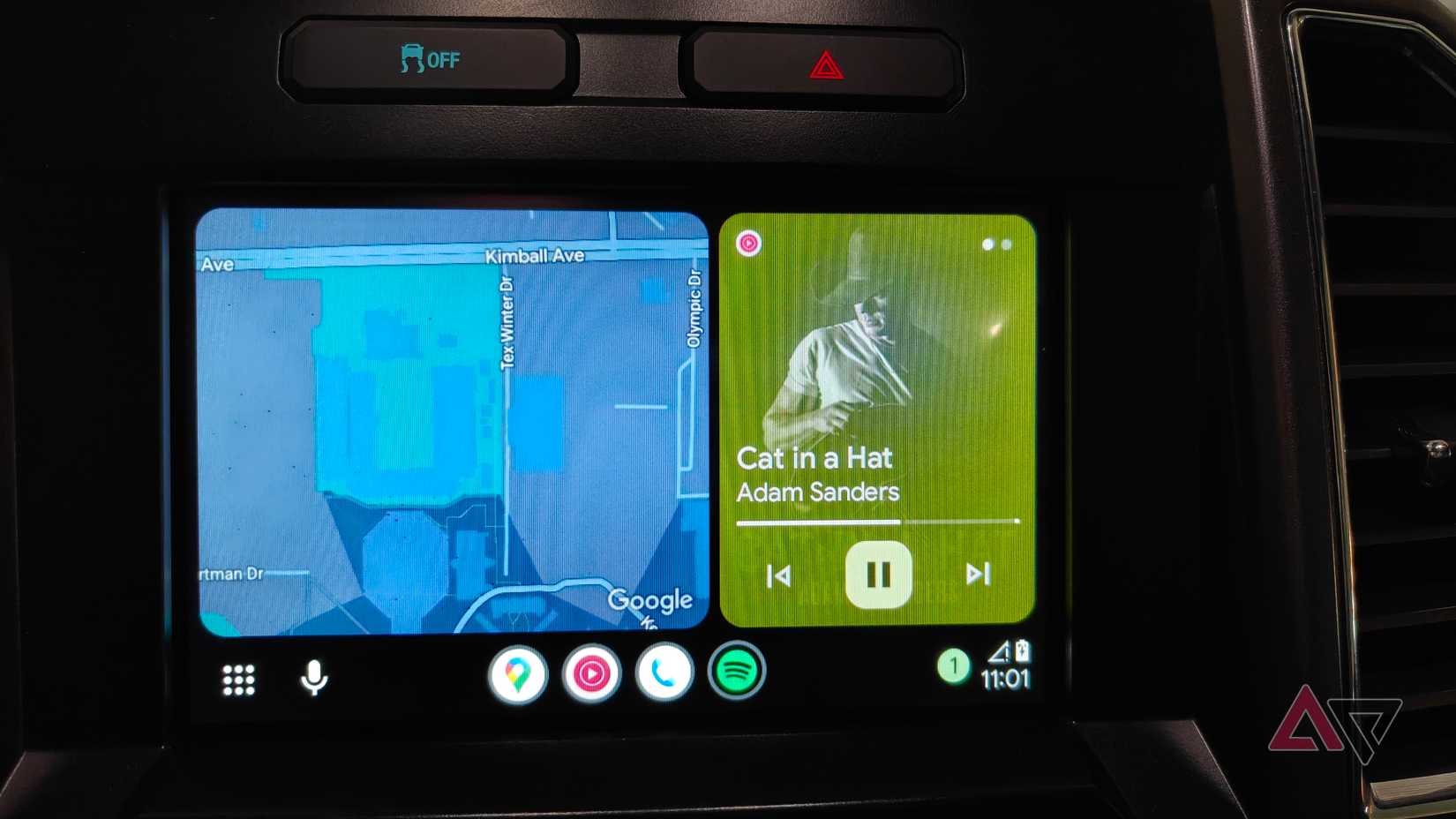
Android Auto has gone through major redesigns to get to where it is now. The older, single-app setups — like the 2019 Boardwalk era — eventually gave way to Coolwalk.
Google doubled down on this direction with the way it launched Coolwalk. The update went live through a universal server-side switch in late 2022, and it isn’t something users can turn off.
The UI is designed to be glanceable and show the most important information first, based on what matters most while driving.
Primary Navigation Card gets the most screen real estate and sits closest to the driver, making it easy to confirm directions from apps like Google Maps or Waze with minimal visual effort.
Secondary Media/Call Card sits next to the main map and shows key real-time info such as music controls, album art, or details from an active phone call.
If the head unit is big enough, a third, short-lived panel can pop up with timely details such as weather shifts, navigation prompts, or incoming messages.
Voice commands finally work the way they should
 Credit: Lucas Gouveia / Android Police | VLADIMIR VK / Shutterstock
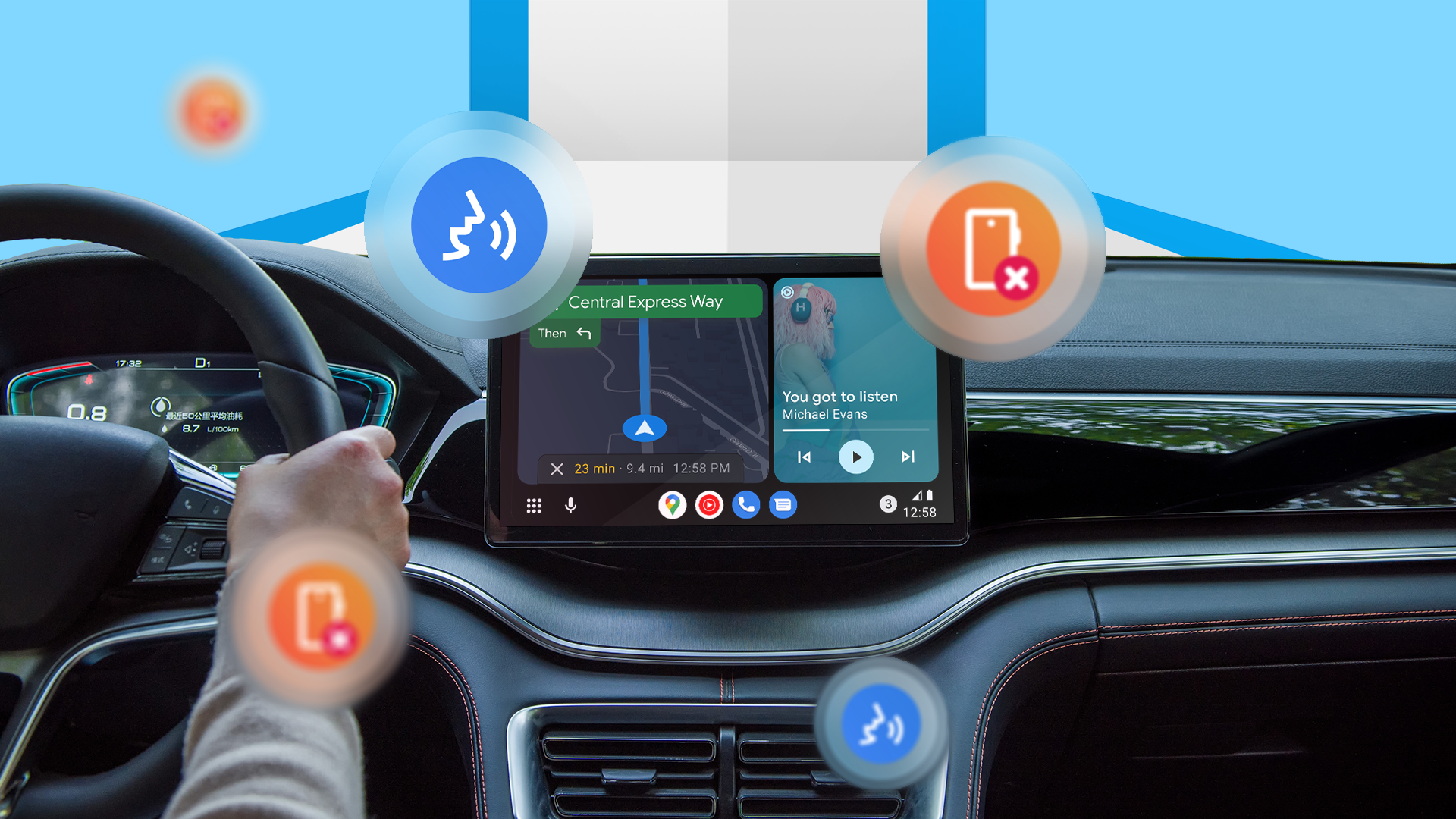
The strongest case for ditching your phone while driving comes from how smart Google Assistant — and now Gemini — has become inside Android Auto.
Unlike older assistants like Siri, which still struggle with follow-ups or chained requests, Gemini can actually understand what you’re doing and keep the conversation going.
Voice commands can now run multistep tasks across different apps without you having to reset the conversation each time. It’s a far smoother and safer experience than poking around on a phone while driving.
For example, you can fire off a single voice command like, “Send my ETA to Alex on WhatsApp and start navigation home,” and it handles everything behind the scenes.
Because it’s plugged into your Google ecosystem, Gemini can automatically pull details like addresses from your Gmail appointments or event invites, saving you from digging through your phone before starting your drive.
Why long messages don’t distract you anymore
 Credit: Lucas Gouveia / Android Police | kungfu01 / Shutterstock
The real problem with messages in the car isn’t only the visual distraction. It’s also having your brain pulled into long or back-and-forth conversations while you’re driving.
Android Auto already does a good job of blocking non-critical visuals, but hearing Google read every word of a message wasn’t exactly distraction-free either.
AI Message Summaries now step in to simplify things, giving you a quick, to-the-point version instead of the full message.
To finish the communication loop safely, Android Auto gives drivers two low-effort ways to respond.
Smart Replies give you quick, one-tap options like “okay,” “on my way,” or an emoji, minimizing distraction to nearly zero.
Or you can go fully hands-free and let Gemini handle everything. It’ll read your messages, help you answer calls, and let you dictate responses with no touch input at all.
Set up Android Auto once and forget about it
 Credit: Lucas Gouveia / Android Police | illustration Vehicles / Shutterstock
To avoid picking up your phone every time you get in the car, switch on Android Auto’s automatic launch.
Go to Settings > Connected devices > Android Auto > Start Android Auto automatically, and select Always or If used on the last drive.
From then on, Android Auto pops up instantly when the phone connects, no manual steps needed. Also, the Coolwalk UI really shines when you set it up before you start driving.
If you go to Settings > Connected devices > Connection preferences > Android Auto > Customize launcher, you can switch the launcher to Custom order.
From there, you can drag your most-used apps and shortcuts to the top, turning what used to be a scan of the whole screen task into a quick muscle-memory tap.
I’ve finally stopped reaching for my phone
When you look at everything Android Auto is doing today, it’s clear the system has finally solved the problems that make phones so dangerous on the road.
Coolwalk fixes multitasking. AI Message Summaries fix communication. Gemini fixes the whole tap through five menus to get anything done.
Together, they create a setup built entirely around keeping your attention on the road.
And after you use it, the old habit of reaching for your phone feels unnecessarily risky. In other words, leave the phone screen alone. Android Auto’s got it covered.
-
 Applications
We want to hear from you! Share your opinions in the thread below and remember to keep it respectful.
Be the first to post Images Attachment(s) Please respect our community guidelines. No links, inappropriate language, or spam.Your comment has not been saved
Send confirmation emailThis thread is open for discussion.
Be the first to post your thoughts.
- Terms
- Privacy
- Feedback
 1 day ago
The Pixel 10 Pro for $524 has my cursor hovering over the 'buy' button
 2 days ago
Tiny smart earring blurs the line between tech and jewelry
 2 days ago
Google Maps gains pseudonymous reviews, an updated Explore tab, and more
 4 days ago
Google continues harvesting data from dead Nest Thermostats
Trending Now GrapheneOS’s big hardware debut is more than a year away
 This phone is a great fit for most people, and it's now even harder to ignore thanks to a steep price drop
 Upgrade your home hydration with Waterdrop Filter this Black Friday