
 Credit: Lucas Gouveia / Android Police | kungfu01 / Shutterstock
 By
Mark Jansen
Published 51 minutes ago
Mark has almost a decade of experience reporting on mobile technology, working previously with Digital Trends. Taking a less-than-direct route to technology writing, Mark began his Android journey while studying for a BA in Ancient & Medieval History at university. But since then, he's cast his eyes firmly on the future, with a deep love for anything that bleeps or bloops.
Outside of Android tech of all types, Mark loves to hike, play video games, build small plastic men that cost far too much, and spend time with his two daughters.
Sign in to your Android Police account
Summary
Generate a summary of this story
follow
Follow
followed
Followed
Like
Like
Thread
Log in
Here is a fact-based summary of the story contents:
Try something different:
Show me the facts
Explain it like I’m 5
Give me a lighthearted recap
By
Mark Jansen
Published 51 minutes ago
Mark has almost a decade of experience reporting on mobile technology, working previously with Digital Trends. Taking a less-than-direct route to technology writing, Mark began his Android journey while studying for a BA in Ancient & Medieval History at university. But since then, he's cast his eyes firmly on the future, with a deep love for anything that bleeps or bloops.
Outside of Android tech of all types, Mark loves to hike, play video games, build small plastic men that cost far too much, and spend time with his two daughters.
Sign in to your Android Police account
Summary
Generate a summary of this story
follow
Follow
followed
Followed
Like
Like
Thread
Log in
Here is a fact-based summary of the story contents:
Try something different:
Show me the facts
Explain it like I’m 5
Give me a lighthearted recap
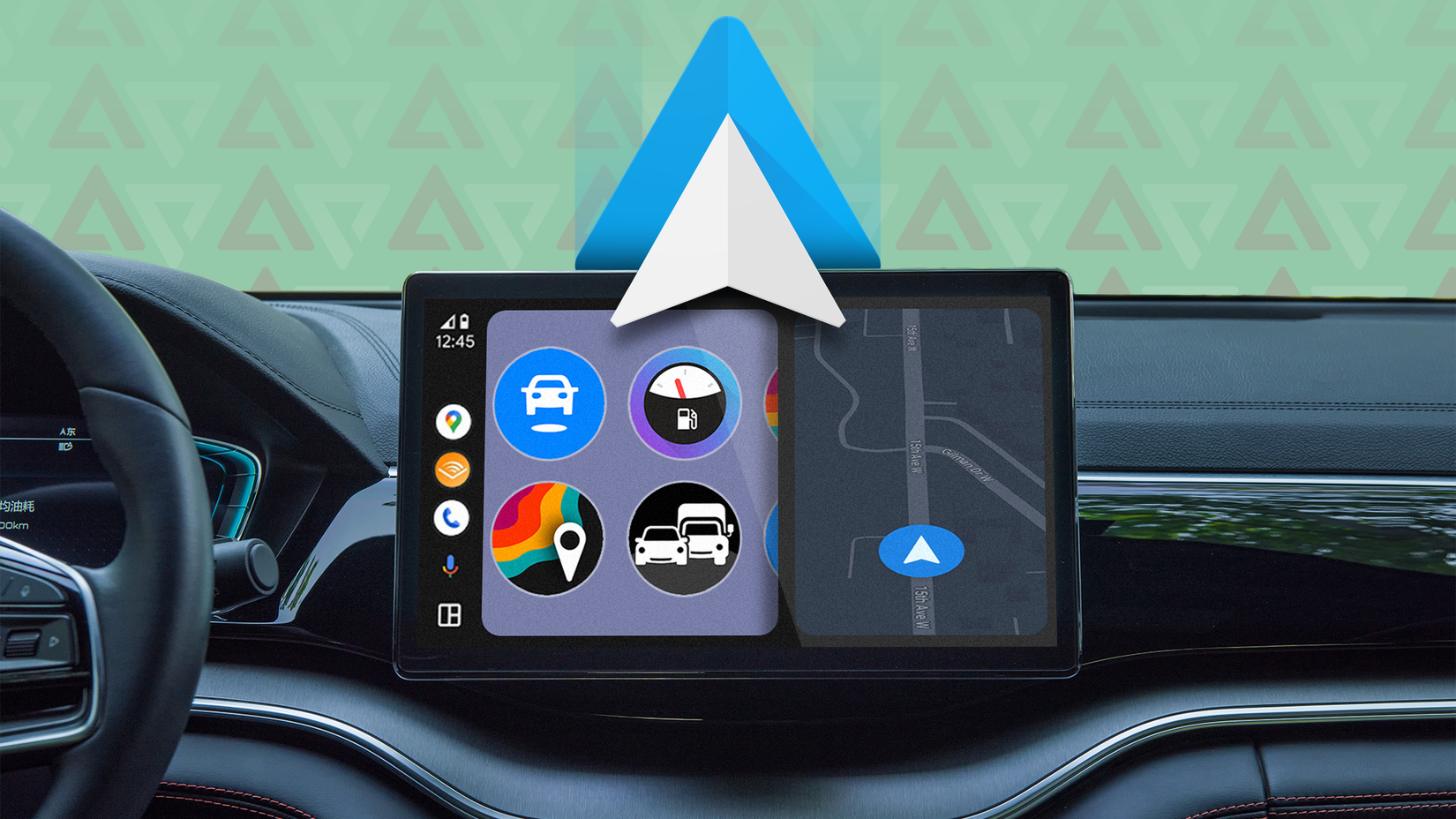
Android Auto is a wonderful creation. Having a little bridge that connects my smartphone — with all its maps, messages, and media that I love — with my car is an incredible piece of tech.
It's a feature I would find it hard to live without — especially when combined with one gadget that makes using it a lot better.
If you, like me, have a car without a wireless Android Auto connection, then a gadget like the Motorola Sound MA1 is invaluable. And now, thanks to Black Friday, it's available for an incredible 52% off.
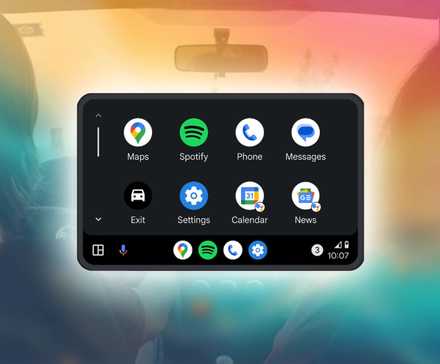 Related
17 essential Android Auto apps every driver and passenger needs
Related
17 essential Android Auto apps every driver and passenger needs
Going for a drive? Take these apps with you
Posts 1 By Will Sattelberg May 25, 2025Why is it useful?
 Credit: Sanuj Bhatia
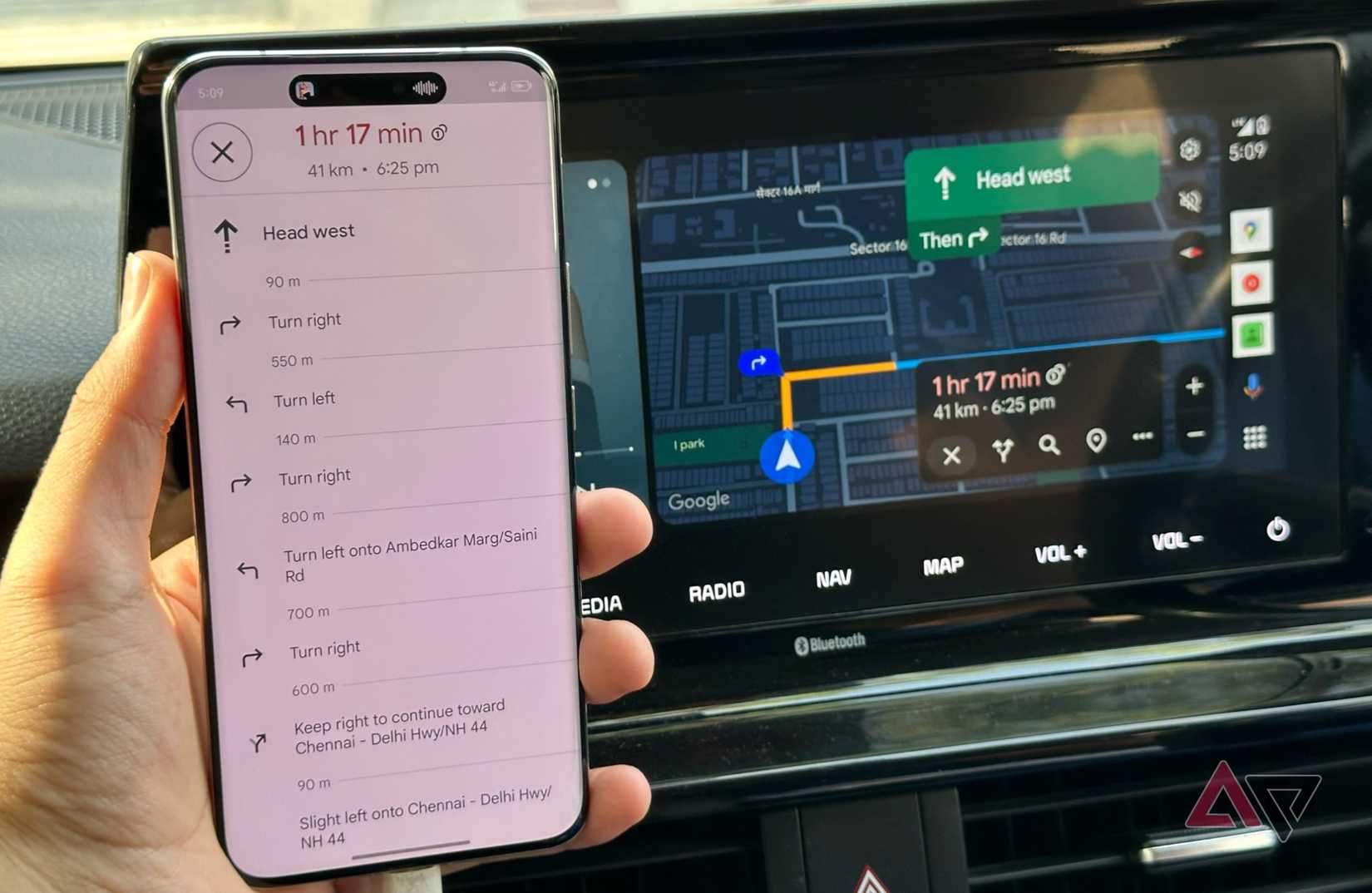
I love Android Auto, but I don't love the fact that I need a cable to use it.
Go around a corner too fast, and wham, down goes your connection as the cable slips out. If you've ever suddenly lost your navigation because of a particularly bumpy road, well, I envy you, friend. I have, and it was awful.
A car holder helps, but it doesn't fully fix the problem.
Maybe I'm just buying rubbish cables, or all of my phones have particularly loose charging ports — but whatever it is, my Android Auto experience suffered.
One moment I'm happily cruising along the road; the next, my cable drops out, and I no longer know which turning to take.
Thankfully, it's an easy problem to fix. Google already fixed it with wireless Android Auto connections on more modern cars.
But, since my Octavia doesn't have that, I've had to settle for the next best option: An Android Auto wireless adapter.
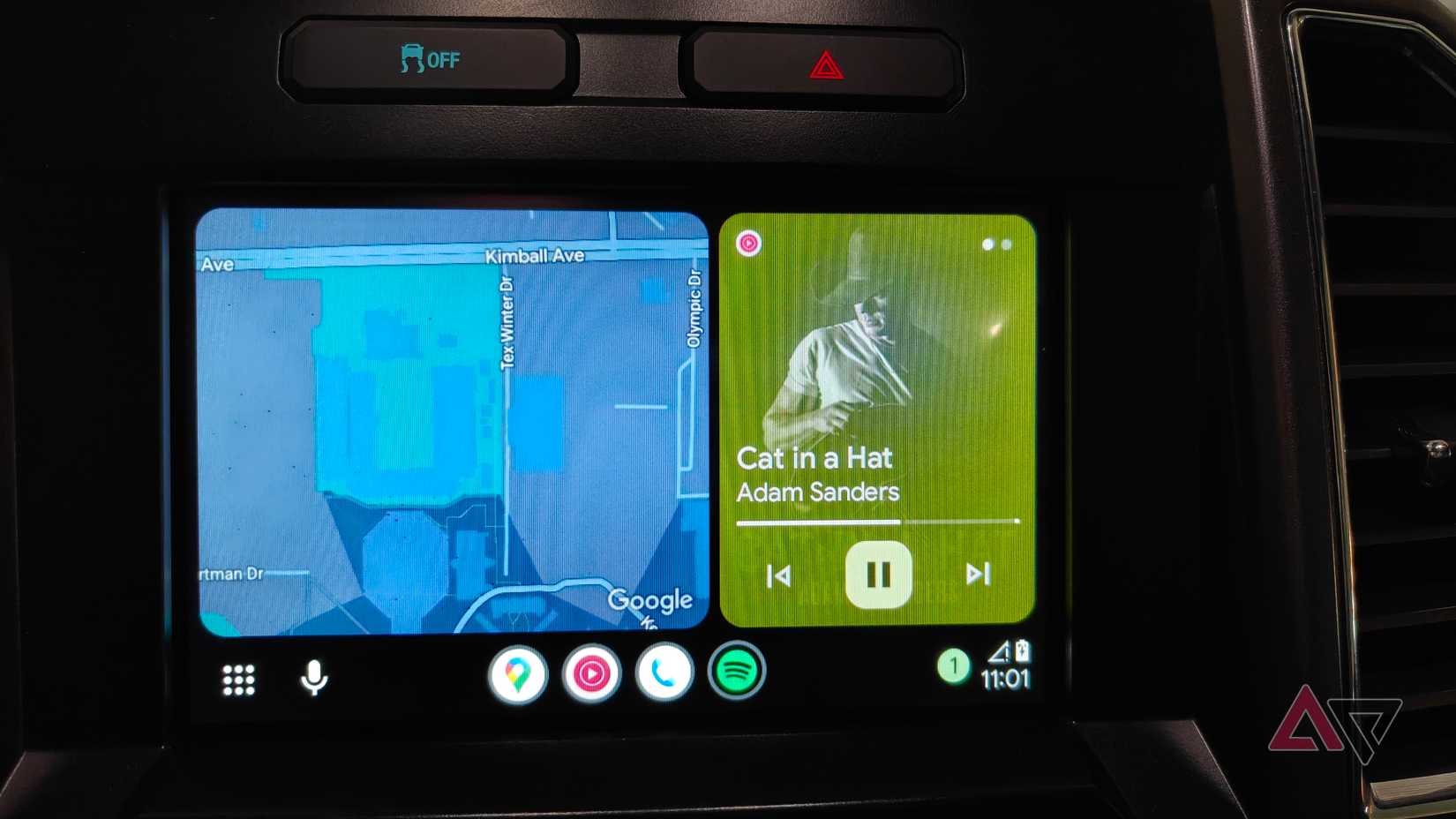
There are lots of third-party Android Auto wireless adapters out there, but I tested a few of these and found they weren't as reliable as I would like.
Not only were they slow to start, but if the adapter was left plugged in, it would stop it from working properly the next time.
So you had to make sure it was removed every single time, or you'd have to reboot your phone before it would connect. Not a gamebreaker, but certainly annoying.
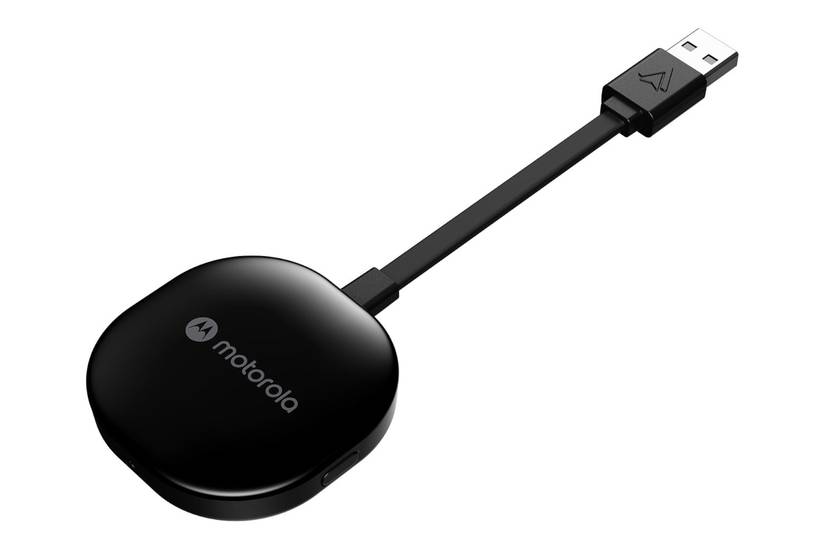
So instead, I looked at some more notable brands. And top of the list, and the only wireless adapter authorized by Google, was the Motorola Sound MA1.
 Credit: Motorola
It's swift and reliable, and it's largely free of the problems I'd experienced with alternatives.
Sure, it's not perfect, but it had a quality that reflected its higher price tag — a price tag that's gotten a serious price drop for Black Friday, making it a real bargain.
How does it work?
The nicest part of adapters like the Motorola Sound MA1 is how easy they are to use.
You'll need to make sure your car is compatible with a wired Android Auto connection. If your car doesn't have that compatibility, then this gadget won't be able to magically add it.
Similarly, if you have support for a wireless Android Auto connection, well, you don't need this at all.

Now, you just have to plug it into your car's USB-A port. An included gel pad helps keep the adapter in place while it's being used.
When connected, press and hold the adapter's button until it starts flashing green. Then just pair it with your phone.
And that's it — it should work automatically from now on, and you shouldn't need to do much else to it.
Should you buy it?
This is a simple question to answer. If you have a car with a wired Android Auto connection and find the wire as annoying as I do, then yes, you should buy this adapter.
 Credit: Lucas Gouveia / Android Police | kungfu01 / Shutterstock
Still, the question is whether you should buy this or a different (cheaper) adapter.
You'll save money by opting for a cheaper adapter, yes, but keep in mind that the price means you'll be buying a more frustrating experience. It'll be fine when it works, but when it doesn't, you'll wish you'd spent more money.
Admittedly, it is quite a lot more money. The Motorola Sound MA1's recommended retail price is a pricey $90. That makes it one of the most expensive ways to get a wireless connection, but it's worth keeping in mind that it's cheaper than buying a whole new car.
Personally, the extra expense is worth it for the much smoother operation and lack of repeatable issues. And at the hefty discount offered by Black Friday, I have no problem recommending it for you too.
 Credit: Motorola
Motorola Sound MA1
Brand
Motorola
Connectivity
5 Ghz WiFi
See at Amazon
Expand
Collapse
Credit: Motorola
Motorola Sound MA1
Brand
Motorola
Connectivity
5 Ghz WiFi
See at Amazon
Expand
Collapse
-
 Phones
We want to hear from you! Share your opinions in the thread below and remember to keep it respectful.
Be the first to post Images Attachment(s) Please respect our community guidelines. No links, inappropriate language, or spam.Your comment has not been saved
Send confirmation emailThis thread is open for discussion.
Be the first to post your thoughts.
- Terms
- Privacy
- Feedback
 3 days ago
This is the Garmin smartwatch engineered to leave a lasting impression
 2 days ago
Digital fatigue is real, but the Kobo Libra Colour helped me restore balance
 2 days ago
I'm caught up in the hype about Android laptops, but I have plenty of concerns
 2 days ago
This premium Android tablet built for gaming now costs less than you'd ever expect
Trending Now These Google earbuds have already sold out once for Black Friday, so you should probably grab a pair during the restock
 AirDrop-compatible Quick Share is breaking Wi-Fi functionality for some Pixel 10 users
 Poco's new tablets look like budget-friendly winners