
 By
Stephen Radochia
Published 55 minutes ago
When Mitsubishi made your first cellphone, you know you’ve been around a while. Steve has carried the latest and greatest around in his pocket for nearly 30 years, with everything from Motorola StarTACs to Samsung Galaxys crossing his path. Early appearances on TechTV fueled his love of media, and when he isn’t writing, you’ll find him ranting on YouTube as StevealiciousTech.
Sign in to your Android Police account
Summary
Generate a summary of this story
follow
Follow
followed
Followed
Like
Like
Thread
Log in
Here is a fact-based summary of the story contents:
Try something different:
Show me the facts
Explain it like I’m 5
Give me a lighthearted recap
By
Stephen Radochia
Published 55 minutes ago
When Mitsubishi made your first cellphone, you know you’ve been around a while. Steve has carried the latest and greatest around in his pocket for nearly 30 years, with everything from Motorola StarTACs to Samsung Galaxys crossing his path. Early appearances on TechTV fueled his love of media, and when he isn’t writing, you’ll find him ranting on YouTube as StevealiciousTech.
Sign in to your Android Police account
Summary
Generate a summary of this story
follow
Follow
followed
Followed
Like
Like
Thread
Log in
Here is a fact-based summary of the story contents:
Try something different:
Show me the facts
Explain it like I’m 5
Give me a lighthearted recap
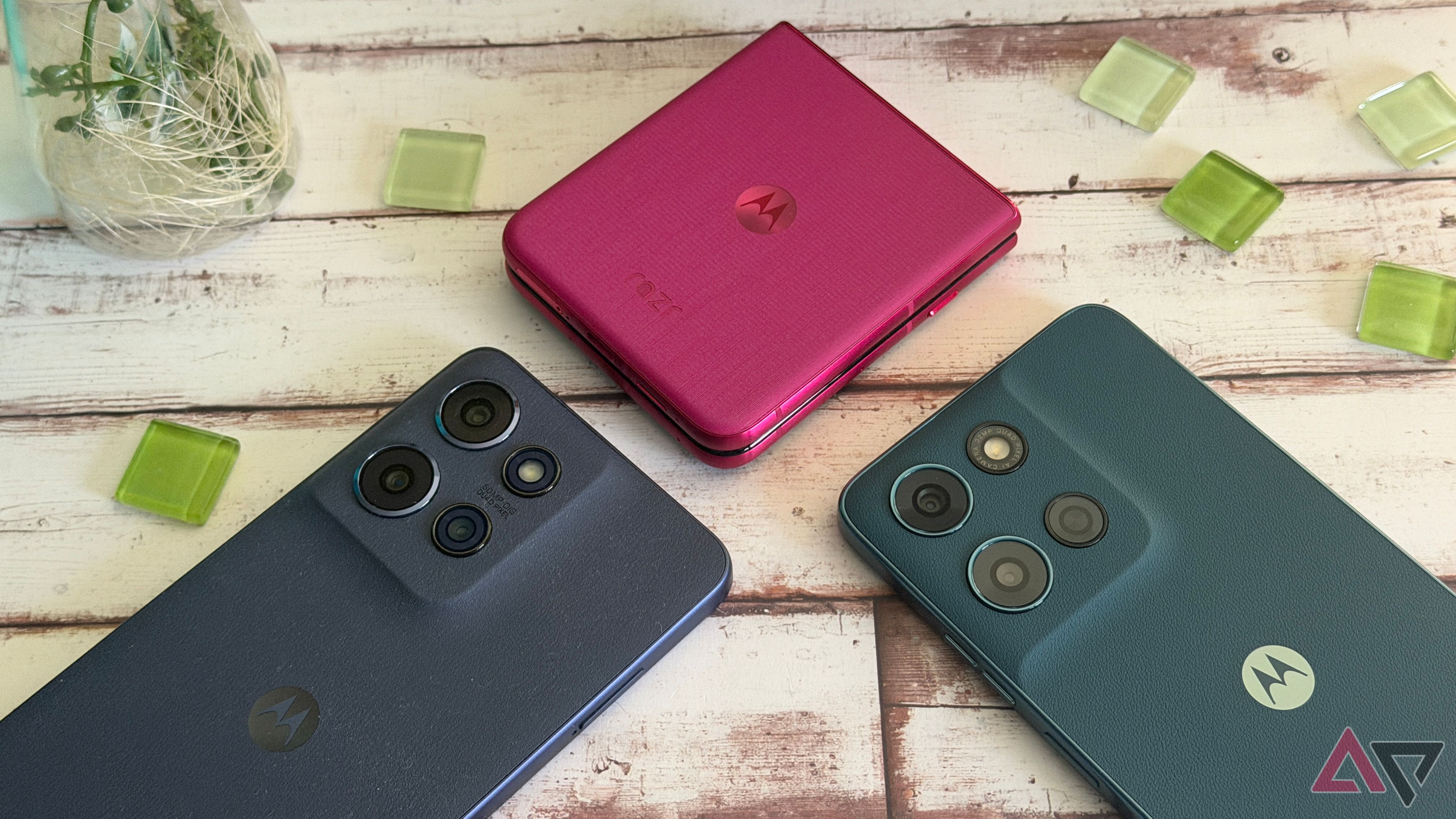
I’ve been using Motorola phones for close to 30 years, and I love that the brand still has a presence in 2025.
They’re among my favorite devices to carry in my pocket, and Moto’s devices deliver fantastic performance and value.
The Motorola Razr Ultra is among my top picks this year, and the Moto G Stylus 2025 gives you all the fun of a stylus without spending $1,300 on a Galaxy S25 Ultra.
However, Moto’s hardware isn’t the only reason I enjoy the company’s phones. I appreciate the software touches Motorola adds, even though its overall software support still leaves much to be desired.
Still, there are features I’ve become used to on Motorola phones that I miss when I’m testing something else. Here are a few of my favorites.
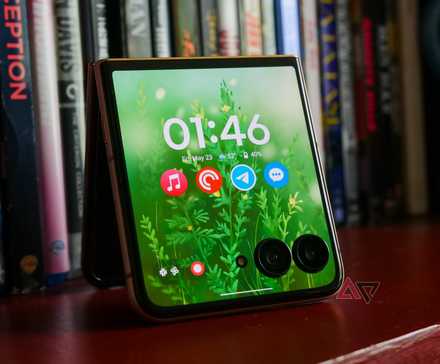 Read our review
Motorola's Razr Ultra is as impressive as it is expensive
Read our review
Motorola's Razr Ultra is as impressive as it is expensive
Premium features, premium price
Posts 1 By Will Sattelberg May 24, 2025My favorite Moto Gesture is the most obvious
Nothing beats chopping for the flashlight
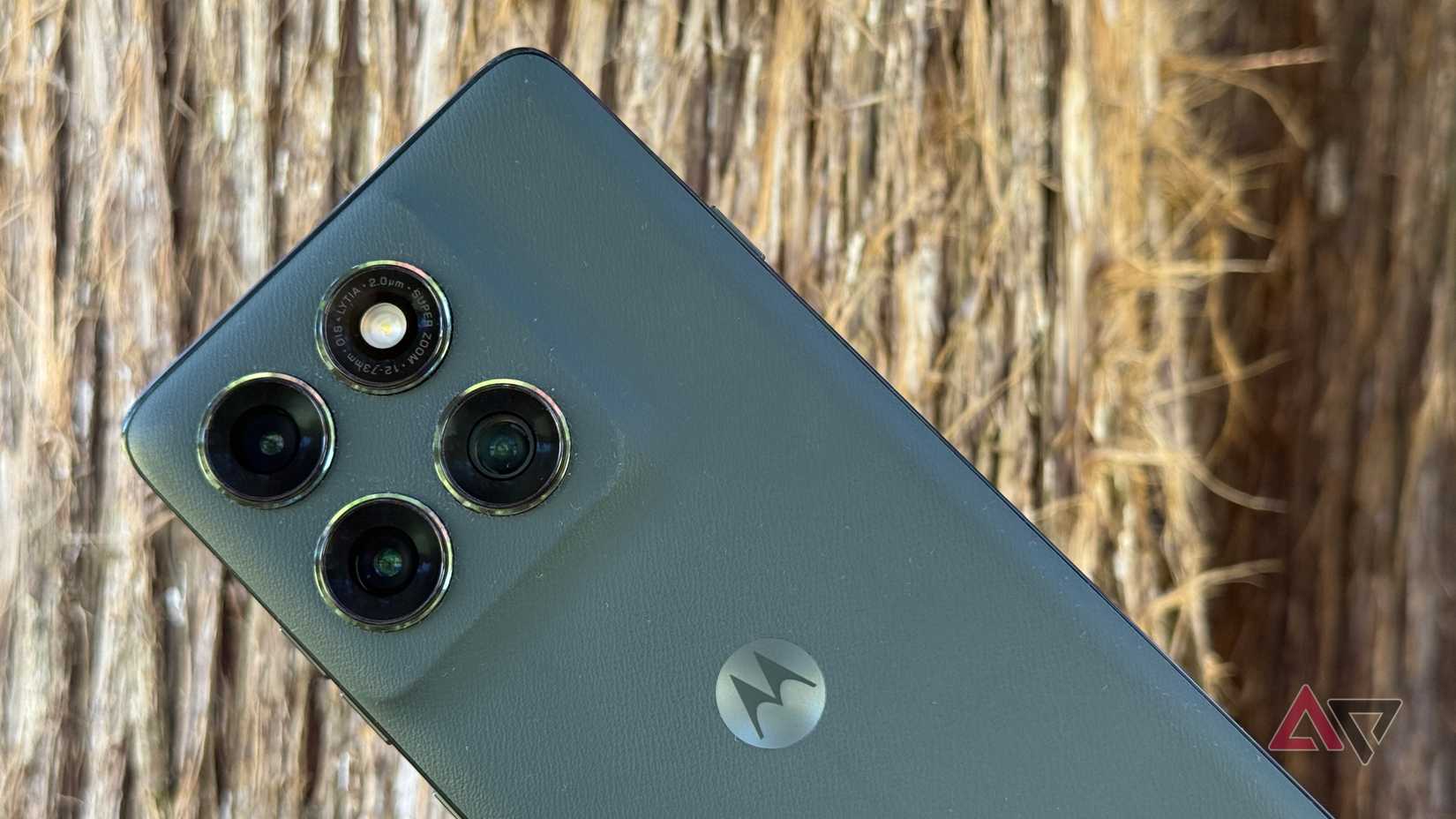
Moto Gestures are fantastic. They’re a quick, physical way to navigate functions on your device, and I’ve been taking advantage of them for almost a decade.
Even though there are quite a few to choose from, nothing beats the chop to activate the flashlight. I use it more often than anything else, and it’s brilliant in its simplicity.
I have a rather large wallet, and I keep losing it in my car because it slides out of my pocket.
I was coming home from bowling the other night, and it was dark. I got out of the car only to realize my wallet wasn’t in my pocket.
I pulled out my Moto, gave it a couple of chops, found my wallet, and then chopped to turn it back off — fantastic. I didn’t need to fumble with quick settings or anything else.
It’s also perfect for cold weather or when you’re wearing gloves. I don’t want to navigate through lock screens and fingerprint sensors when it’s below freezing outside.
A couple of chops, and I have the flashlight I need when I need it. It’s definitely a Moto feature I couldn’t live without.
Moto Gestures provides a better way to multitask
Swipe to split is one of my favorites
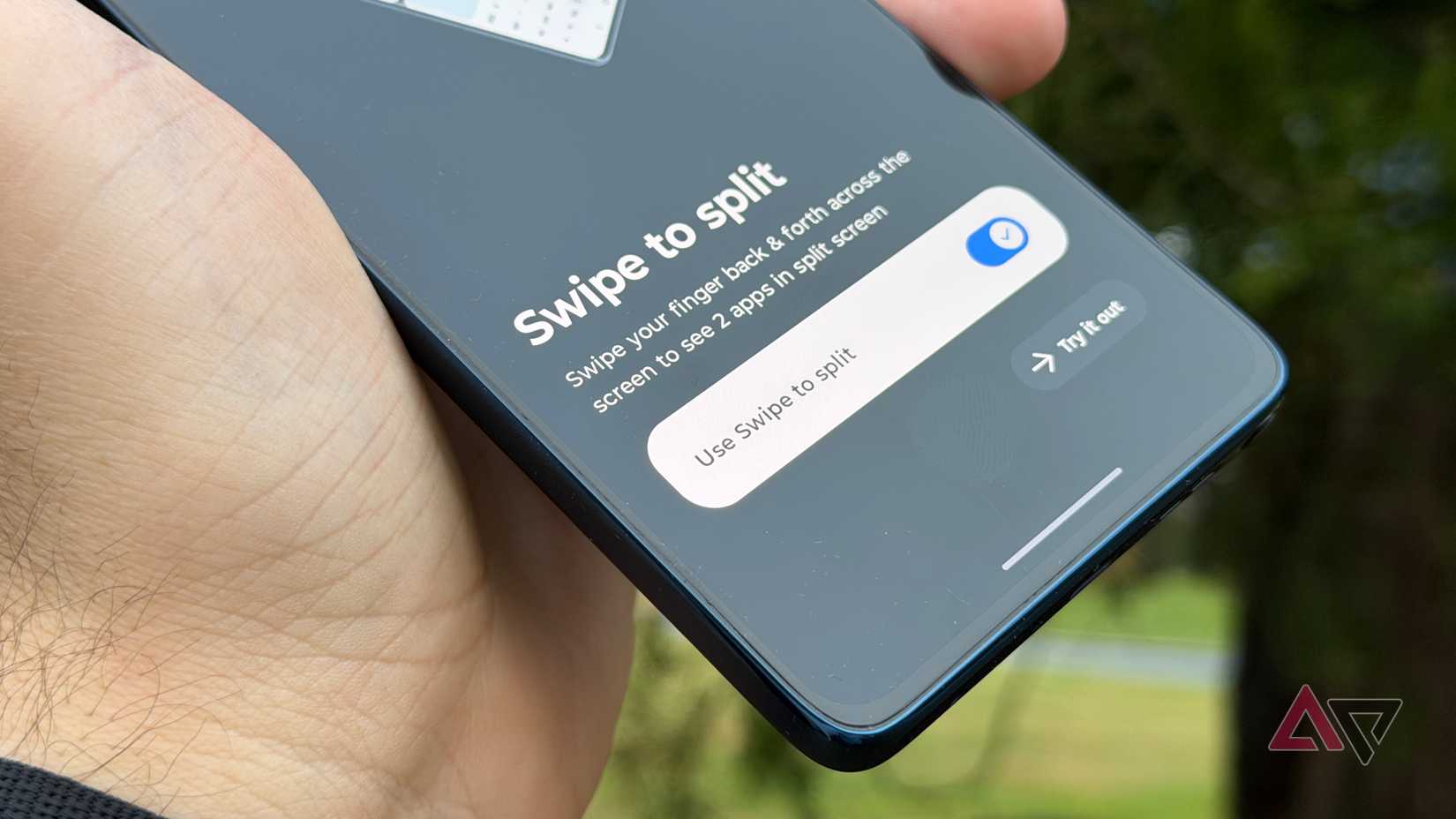
Moto Gestures can also help when you want to use multiple apps. With Swipe to split, I can open another app on my screen without leaving what I’m doing.
I swipe across from left to right in the middle of the screen, then back to the left, and I’m prompted to pick another app. If I’m in Gmail and need to reference my calendar, I can pull it up in seconds.
Unfortunately, it’s not enabled by default. Perhaps Motorola doesn’t want people accidentally activating it while just trying to move back in a menu with gesture navigation.
Still, I would take the time to turn it on and get used to it. It saves you a lot of time and frustration, and you end up multitasking much more easily.
Not all Moto features I love are on all phones
The Razr Ultra and G Stylus have something extra
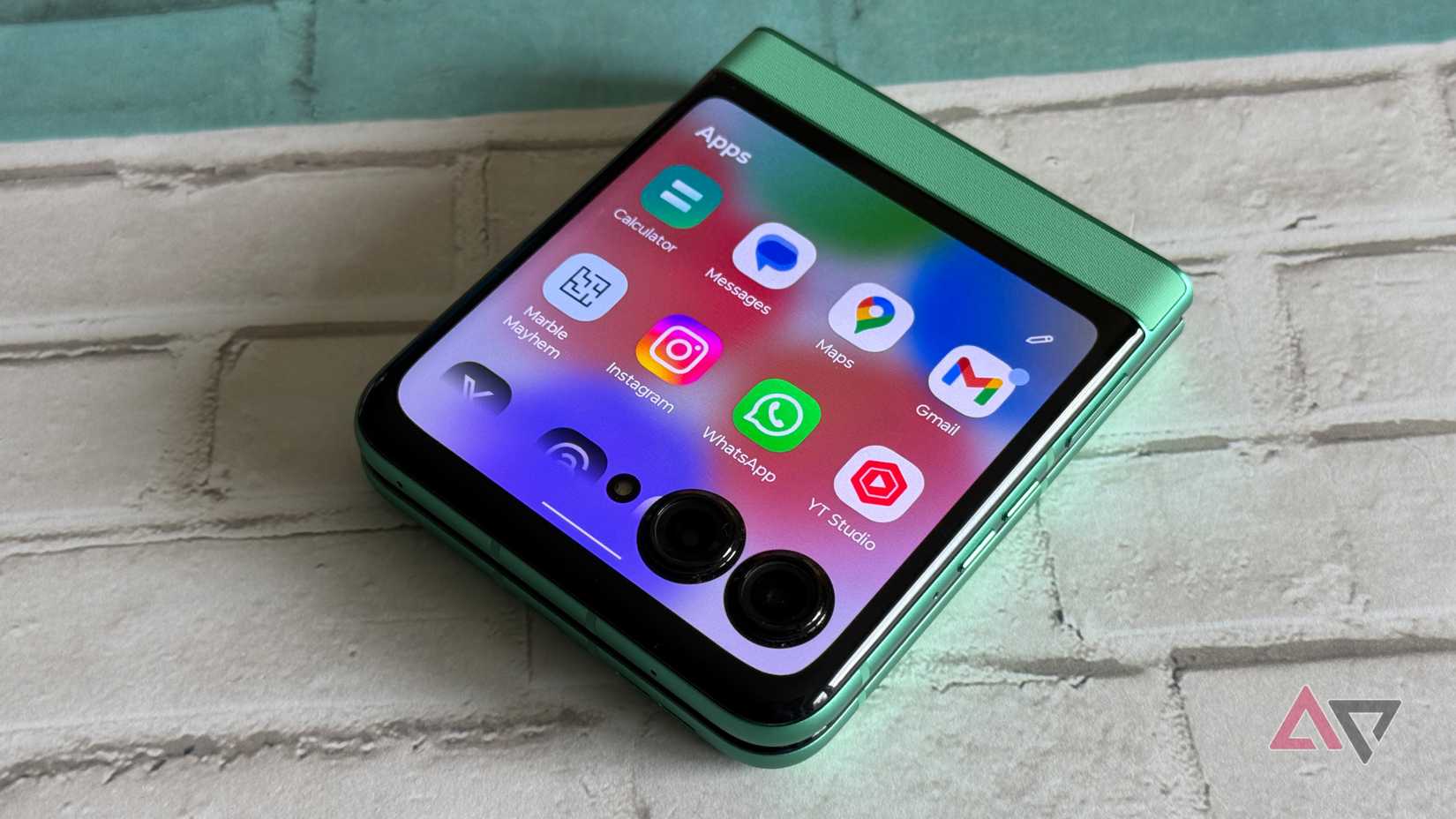
It’s a bit of a cheat to mention these next two features, since they aren’t on every Motorola phone.
However, they’re the ones I use every day with a Motorola Razr Ultra or a Moto G Stylus 2025 in my pocket, and if you’re considering these two phones, you’ll enjoy them as well.
The cover screen on the Motorola Razr Ultra is almost a productivity hack. I love that I don’t need Good Lock or any third-party software to get my favorite apps up and running within seconds on the outer display of the Razr Ultra.
It’s ideal for a quick Instagram scroll or pounding out a response in WhatsApp.
It’s a way for me to get something done without opening my phone, where there’s a risk my 30-second task might turn into a 30-minute social media scroll I can’t afford.
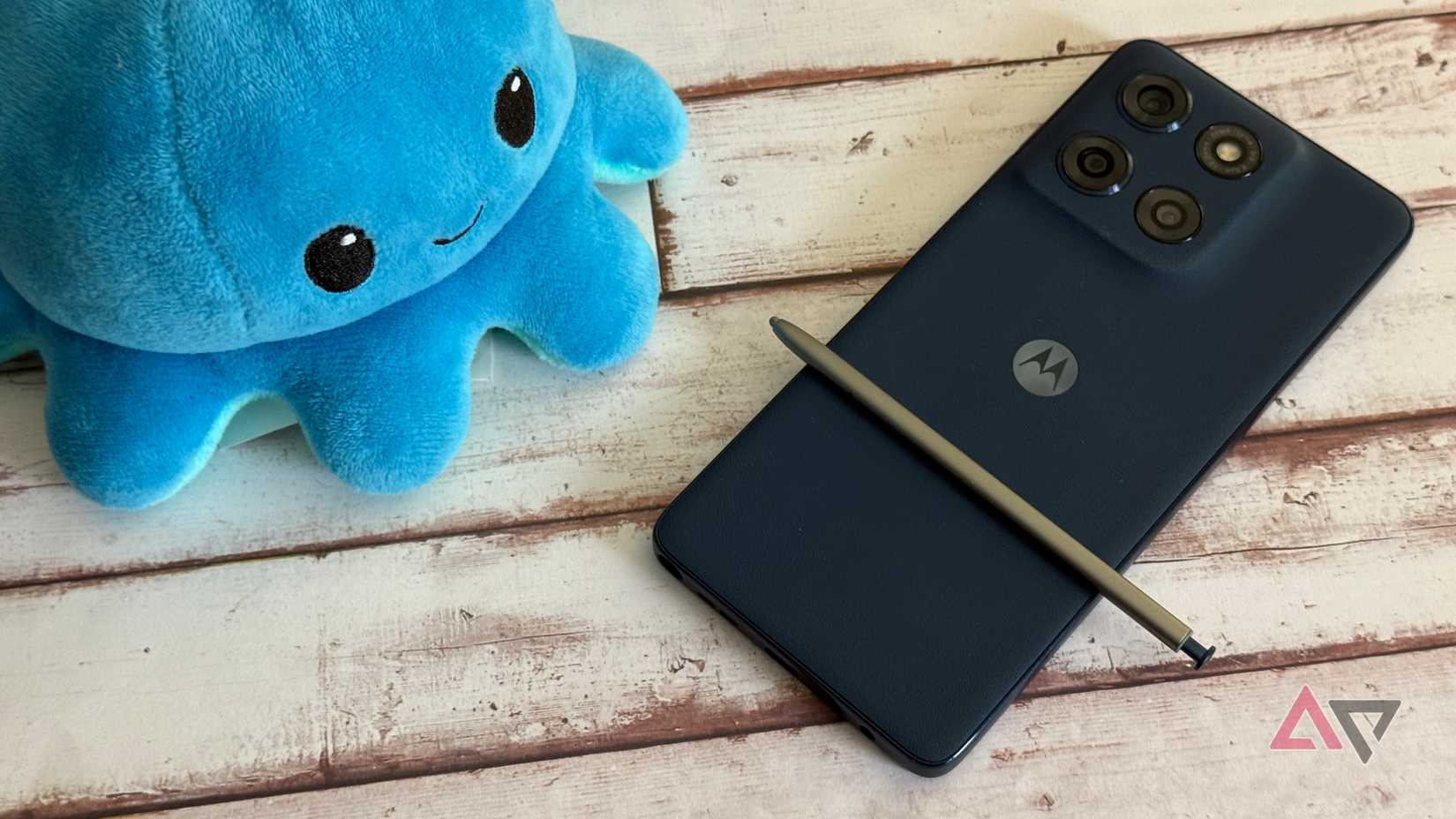
The Moto G Stylus 2025 is similar, as I appreciate Moto’s suite of features that leverage the stylus.
It’s easy to mark up a message, scribble down a note, or create a goofy GIF to send to friends — precisely what I want from a stylus.
It doesn’t have any fancy Bluetooth features, but then again, neither does the S pen in the Galaxy S25 Ultra anymore.
I get 95% of the pen functionality I need with the Moto G Stylus 2025 and spend a fraction of the price. I use my stylus daily when I’m testing the G Stylus 2025, and you’ll enjoy the experience.
Motorola gives plenty of reasons to choose its devices
I may love the performance and value I get from Motorola phones, but other features keep me coming back.
I use Moto Gestures daily to get to what I need faster, and niche devices like the Razr Ultra and G Stylus 2025 give users plenty of functionality.
If you haven’t considered a Motorola phone in a while, now is the time to take a look, especially if some of the features I talked about appeal to you.
-
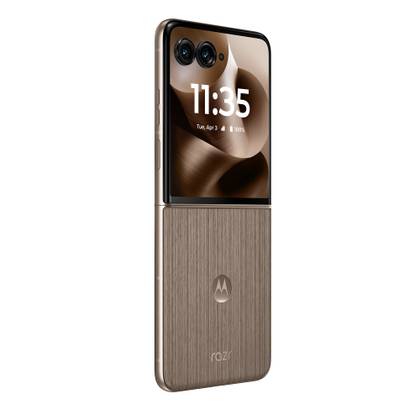 Moto Razr Ultra (2025)
$900
$1300
Save $400
SoC
Qualcomm Snapdragon 8 Elite
RAM
16GB
Storage
512GB, 1TB
Battery
4,700mAh
Ports
USB-C
Moto Razr Ultra (2025)
$900
$1300
Save $400
SoC
Qualcomm Snapdragon 8 Elite
RAM
16GB
Storage
512GB, 1TB
Battery
4,700mAh
Ports
USB-C
The Moto Razr Ultra is the foldable you've been waiting for. With a new camera system, top-tier specs, and a larger, brighter display, this is a Razr designed to go head-to-head with Samsung — for a price, of course.
$900 at Amazon Expand Collapse -
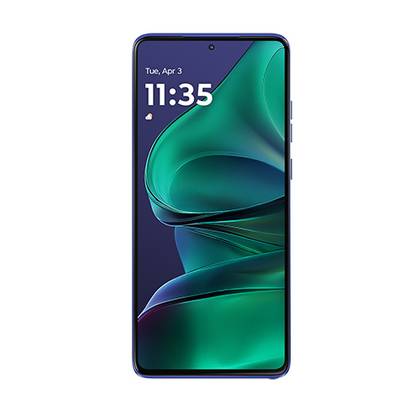 Motorola Moto G Stylus (2025)
$300
$400
Save $100
SoC
Qualcomm Snapdragon 6 Gen 3
RAM
8GB
Storage
128GB/256GB
Battery
5,000mAh
Ports
USB-C
Motorola Moto G Stylus (2025)
$300
$400
Save $100
SoC
Qualcomm Snapdragon 6 Gen 3
RAM
8GB
Storage
128GB/256GB
Battery
5,000mAh
Ports
USB-C
Motorola's new Moto G Stylus looks to keep the great design from its predecessor and match it with some more modern specs. Whether that's enough to shy buyers away from the best of Samsung and Google, however, remains to be seen.
$300 at Amazon Expand Collapse
-
 Phones
We want to hear from you! Share your opinions in the thread below and remember to keep it respectful.
Be the first to post Images Attachment(s) Please respect our community guidelines. No links, inappropriate language, or spam.Your comment has not been saved
Send confirmation emailThis thread is open for discussion.
Be the first to post your thoughts.
- Terms
- Privacy
- Feedback
 4 days ago
Google Pixel’s emergency satellite texting touches down in a new region
 4 days ago
T-Mobile will now start charging for a perk that used to be free
 5 days ago
5 Samsung Wallet speed hacks to make payments faster
 4 days ago
Why I refuse to upgrade my smart watch. [Video]
Trending Now I thought Google Keep was enough, then I paired it with Gemini
 Spotify now lets you transfer playlists from other services
 The best Android browser you have never heard of


