 Credit: Lucas Gouveia / Android Police
 By
Rahul Naskar
Published 18 minutes ago
Rahul Naskar has years of experience writing news and features related to Android, phones, and apps. Outside the tech world, he follows global events and developments shaping the world of geopolitics.
Sign in to your Android Police account
Summary
Generate a summary of this story
follow
Follow
followed
Followed
Like
Like
Thread
Log in
Here is a fact-based summary of the story contents:
Try something different:
Show me the facts
Explain it like I’m 5
Give me a lighthearted recap
By
Rahul Naskar
Published 18 minutes ago
Rahul Naskar has years of experience writing news and features related to Android, phones, and apps. Outside the tech world, he follows global events and developments shaping the world of geopolitics.
Sign in to your Android Police account
Summary
Generate a summary of this story
follow
Follow
followed
Followed
Like
Like
Thread
Log in
Here is a fact-based summary of the story contents:
Try something different:
Show me the facts
Explain it like I’m 5
Give me a lighthearted recap
It's no secret that Google Assistant's days are numbered, as the Mountain View tech giant confirmed earlier this year. But there was no clarity over when Google Assistant would stop working.
While Google confirmed in one of its support documents that Assistant will no longer be accessible on "most mobile phones" later this year, the company kept us in the dark about a specific date or a month that will witness Assistant's demise, until a few hours ago.
Google has finally shed some light on when users won't be able to use Assistant anymore. According to the official announcement, Google Assistant will be available for use even next year, but only for a limited time.
 Related
Gemini is accelerating onto Android Auto and Automotive
Related
Gemini is accelerating onto Android Auto and Automotive
Gemini's in-vehicle takeover is imminent
Posts 3 By Karandeep Singh Oberoi Apr 17, 2025Here is when Google Assistant will stop working on your device
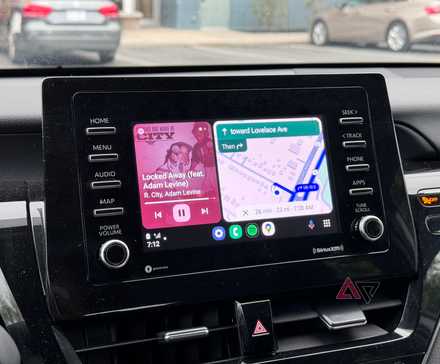
Google has quietly notified via its Android Auto support page that Google Assistant 'will be available for use until March 2026.' So, if the company sticks to this plan, Gemini will automatically replace Google Assistant after that March deadline.
 Close
Close
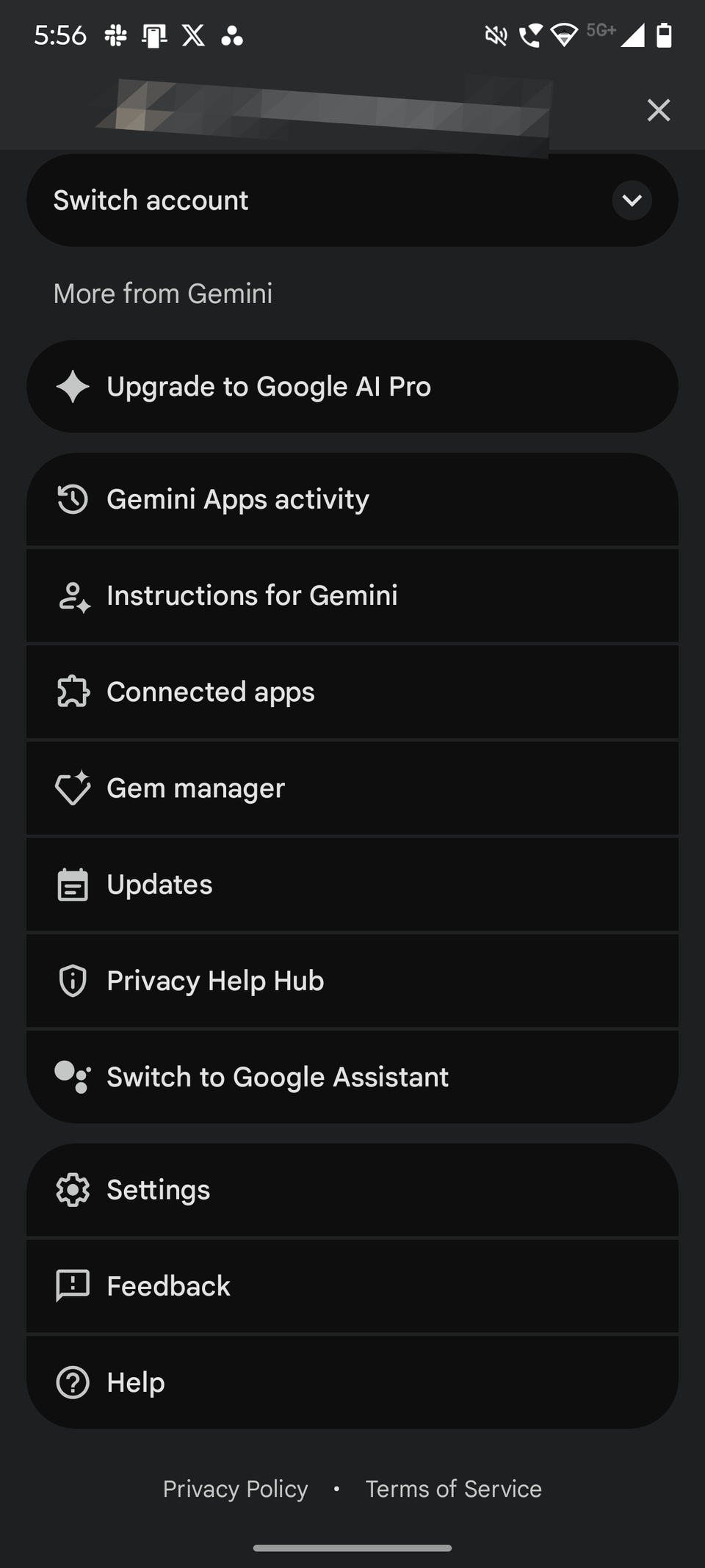
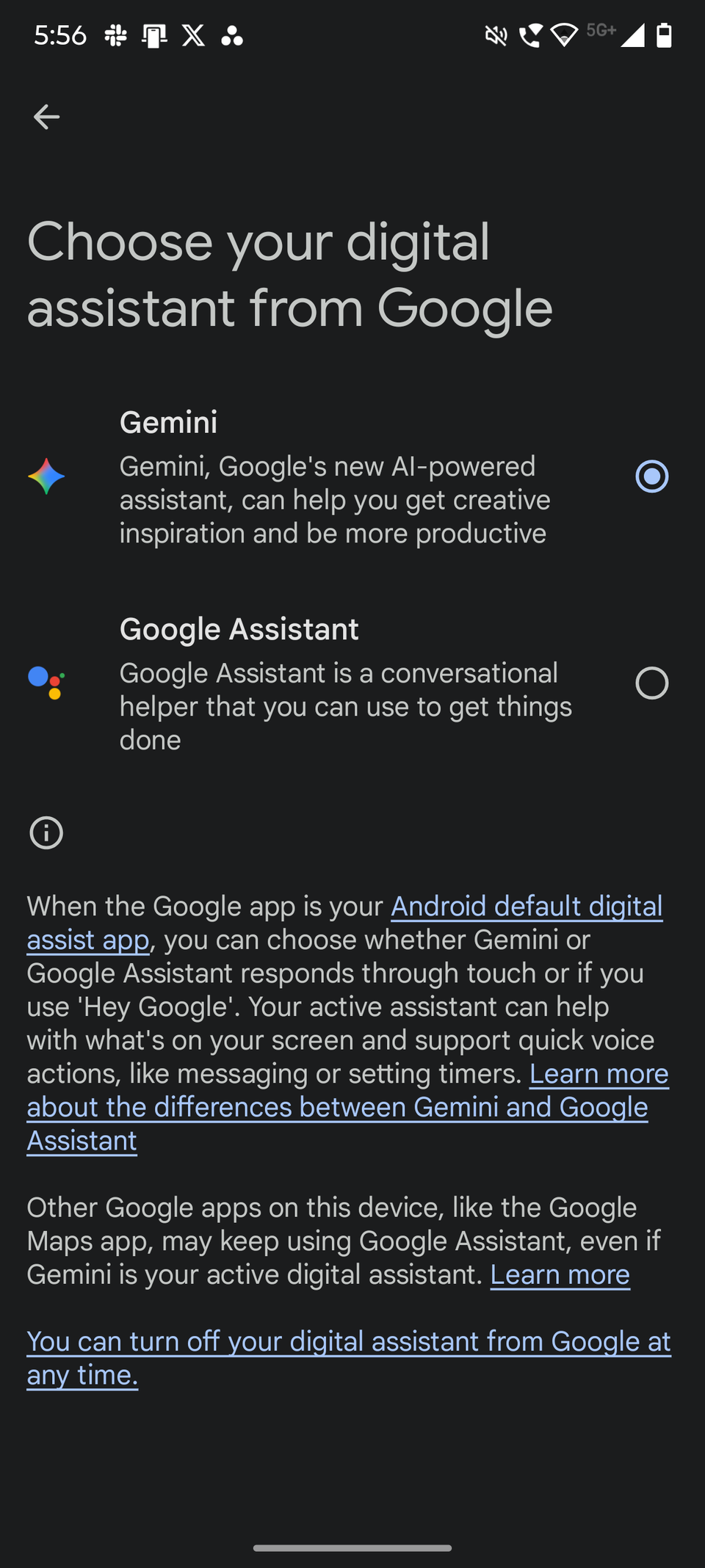
Currently, users can go back to Google Assistant after switching to Gemini, but after the deadline is over, you won't get the option to use Google Assistant again. While users have their doubts about whether Gemini is a worthy replacement for Google Assistant, Google has said that the former will support all Assistant commands and will speak naturally.
However, not all Android phones support Gemini, and there is still no clarity from Google on whether those unsupported devices will still be able to access Google Assistant. One possibility is that those phones might retain access but won't have the option to download it from the Google Play Store. Also, Google Assistant won't be as powerful as it was a year ago, because it's already lost many features and will likely lose more.
Gemini will replace Google Assistant on other devices, too
The transition from Gemini to Google Assistant isn't happening only on phones. It'll also replace Assistant on device types, such as tablets, smart speakers and displays, cars, TVs, Wear OS watches, and the like. The company also confirmed that it'd bring "a new experience, powered by Gemini" to smart home devices. Time will tell whether the "new experience" turns out to be any good for smart home users.
-
 Applications
We want to hear from you! Share your opinions in the thread below and remember to keep it respectful.
Be the first to post Images Attachment(s) Please respect our community guidelines. No links, inappropriate language, or spam.Your comment has not been saved
Send confirmation emailThis thread is open for discussion.
Be the first to post your thoughts.
- Terms
- Privacy
- Feedback
 2 days ago
The tiny One UI tweak that changed how I use my Samsung phones
 4 days ago
Quick Share is now compatible with Apple's AirDrop
 1 hour ago
Why the Amazon Kindle Paperwhite is my most cherished mobile device
 3 days ago
7 Android security settings I change first on every new phone
More from our brands

Google AI Mode Is Coming: Here's How It Replaces Google Search

This is how I do a reverse image search from my phone or PC
Gemini isn’t as useless as it was when you tried it two years ago
AI Writing Tools have arrived on Android, and they’re pretty pointless

Your Google TV Streamer is about to get a whole lot smarter

Android Auto just got a huge free upgrade that makes it smarter than ever

How to talk to Gemini Live, Google's lifelike voice assistant
Trending Now This Garmin powerhouse outclasses every 'Ultra' watch, and calling it a must-buy feels like an understatement
 Spotify now lets you transfer playlists from other services
 How to use Android's Quick Share feature