- Phones
- Android
Watch your words
Comments (0) ()When you purchase through links on our site, we may earn an affiliate commission. Here’s how it works.
 (Image credit: Shutterstock / Tada Images)
- Google is rolling out a new text-archiving feature for Pixel phones
- It allows companies to comply with regulations in case of legal disputes
- But as every text is archived, your boss might be able to read what you say
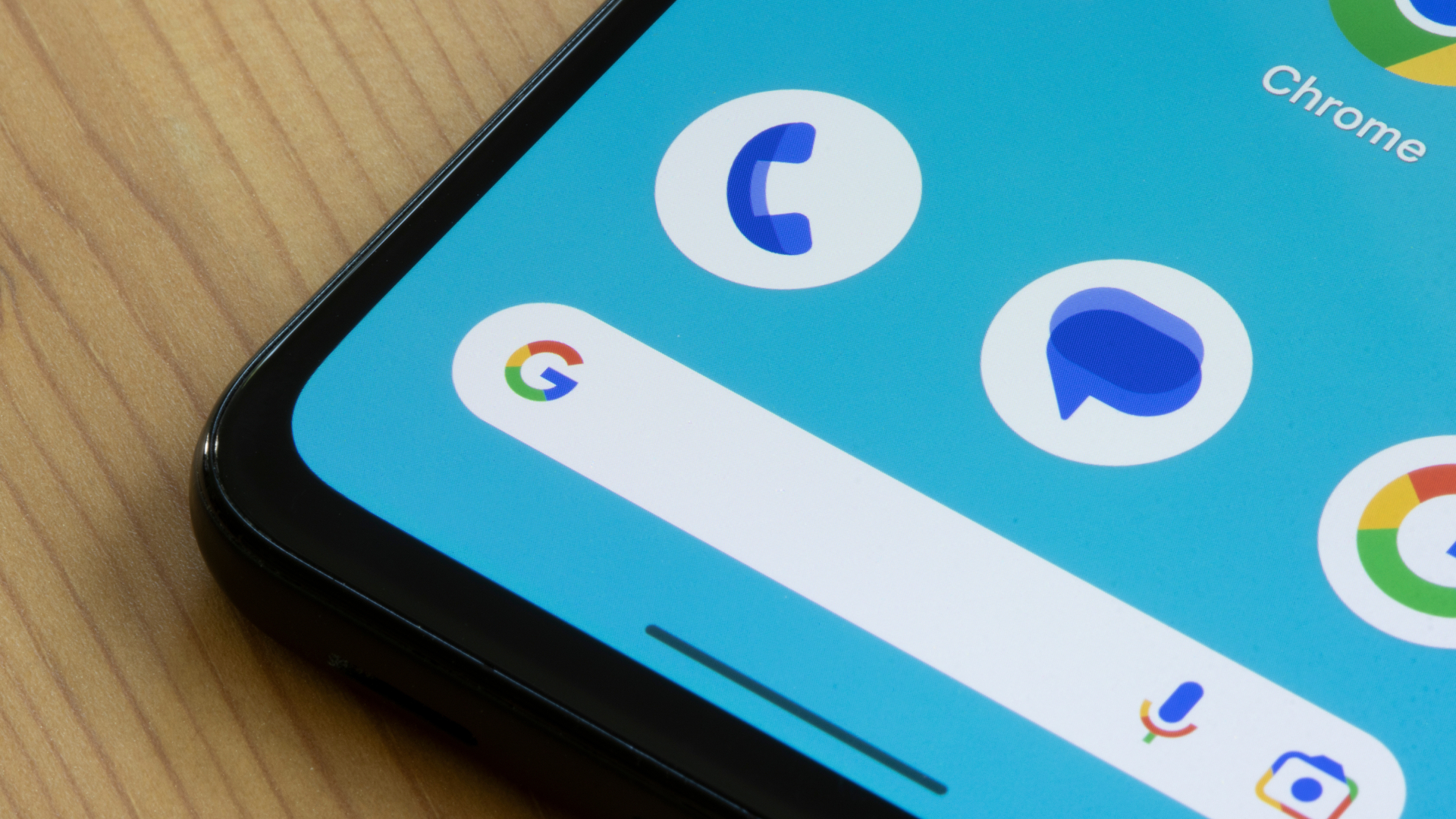
Do you have a Google Pixel phone provided by the company you work for? If so, your boss might soon be able to read your RCS messages thanks to an upcoming change to the Google Messages app on Android.
As laid out in a Google blog post, the Android RCS Archival feature will let company-managed Pixel phones (and “other compatible Android Enterprise devices”) integrate third-party archiving apps into Google Messages so that they can take a backup of every text that passes through. That includes messages both sent and received, plus texts that are edited or deleted.
The move is being made to help companies abide by strict regulations concerning record keeping and legal requests that might involve employee communications. Right now, Google says archival providers Celltrust, Smarsh, and 3rd Eye are on board, with “more archival apps coming soon in 2026".
You may like-
 Think your boss might be spying on you at work? Here’s how to tell - and how to resist
-
 Google Messages is doubling down on scam prevention with two new safety measures – this is how you can keep your inbox clean
-
 Call Recording is rolling out to some Google Pixel phones now – here’s how to use it
Before the introduction of Android RCS Archival, it could be tricky for firms to meet these regulations due to the end-to-end encryption features baked into RCS, which meant that messages sent between devices could not be read by anyone except their senders and recipients. Companies relied on carriers to log messages that might be needed in case of a legal dispute or data request, but with end-to-end encryption, they couldn’t do that.
Why it's happening
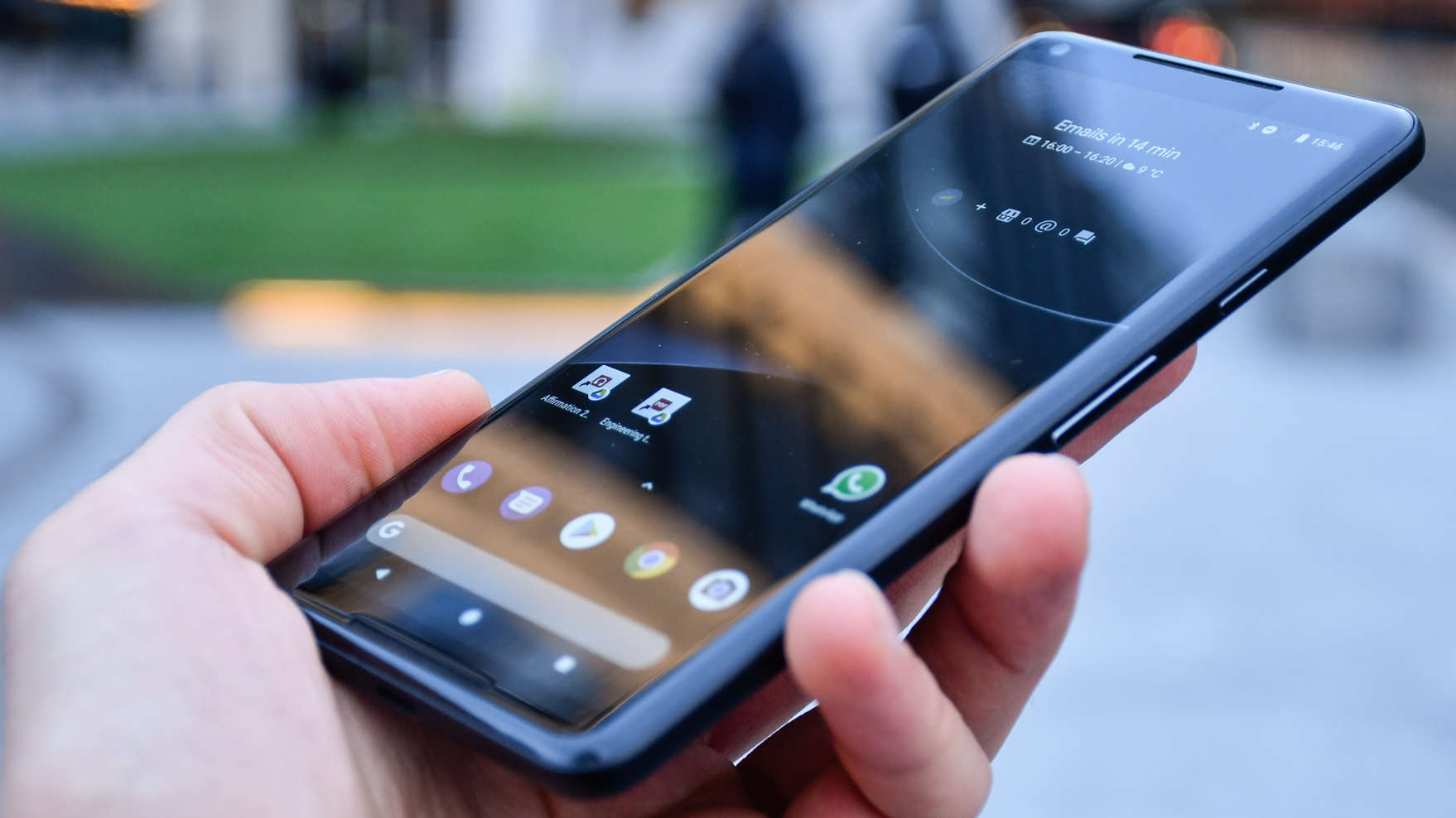
With Android RCS Archival, logging is made much easier. It also means that companies can use RCS and all its modern features – like read receipts, typing indicators and more – instead of having to rely on the older, less capable SMS and MMS platforms.
Yet since every message is harvested and archived, it brings up the concern that your boss might be able to read every text you’ve typed into Google Messages on your work phone.
Still, it’s done in a fairly transparent way, as Google says that “Employees will see a clear notification on their device whenever the archival feature is active.” That means there shouldn’t be any stealthy logging going on that you’re unaware of. Archiving is done directly on each device and not on the cloud, too, which means that end-to-end encryption is preserved.
Get daily insight, inspiration and deals in your inboxContact me with news and offers from other Future brandsReceive email from us on behalf of our trusted partners or sponsorsBy submitting your information you agree to the Terms & Conditions and Privacy Policy and are aged 16 or over.Still, given there’s a chance that any message you type could be read by your boss, you might want to dial in those snarky comments when you’re using your work phone – or start eyeing up one of the best secure smartphones.
Follow TechRadar on Google News and add us as a preferred source to get our expert news, reviews, and opinion in your feeds. Make sure to click the Follow button!
And of course you can also follow TechRadar on TikTok for news, reviews, unboxings in video form, and get regular updates from us on WhatsApp too.
TOPICS Google Alex BlakeSocial Links NavigationFreelance Contributor
Alex Blake has been fooling around with computers since the early 1990s, and since that time he's learned a thing or two about tech. No more than two things, though. That's all his brain can hold. As well as TechRadar, Alex writes for iMore, Digital Trends and Creative Bloq, among others. He was previously commissioning editor at MacFormat magazine. That means he mostly covers the world of Apple and its latest products, but also Windows, computer peripherals, mobile apps, and much more beyond. When not writing, you can find him hiking the English countryside and gaming on his PC.
You must confirm your public display name before commenting
Please logout and then login again, you will then be prompted to enter your display name.
Logout Read more
Think your boss might be spying on you at work? Here’s how to tell - and how to resist
Google Messages is doubling down on scam prevention with two new safety measures – this is how you can keep your inbox clean
Call Recording is rolling out to some Google Pixel phones now – here’s how to use it
Google Messages is getting another essential chat feature it should have had a long time ago
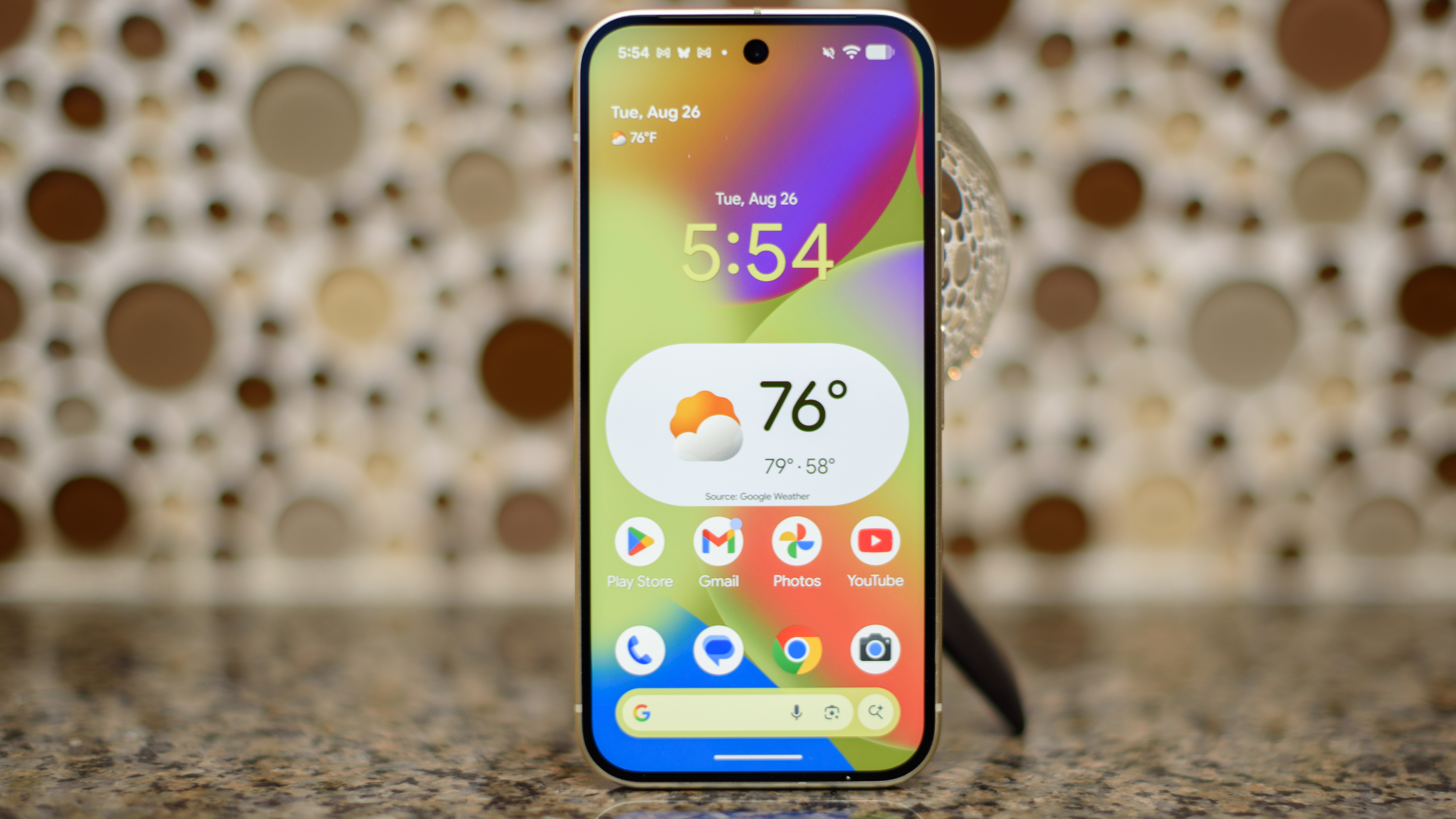 Your Pixel phone might be getting a big customization upgrade soon
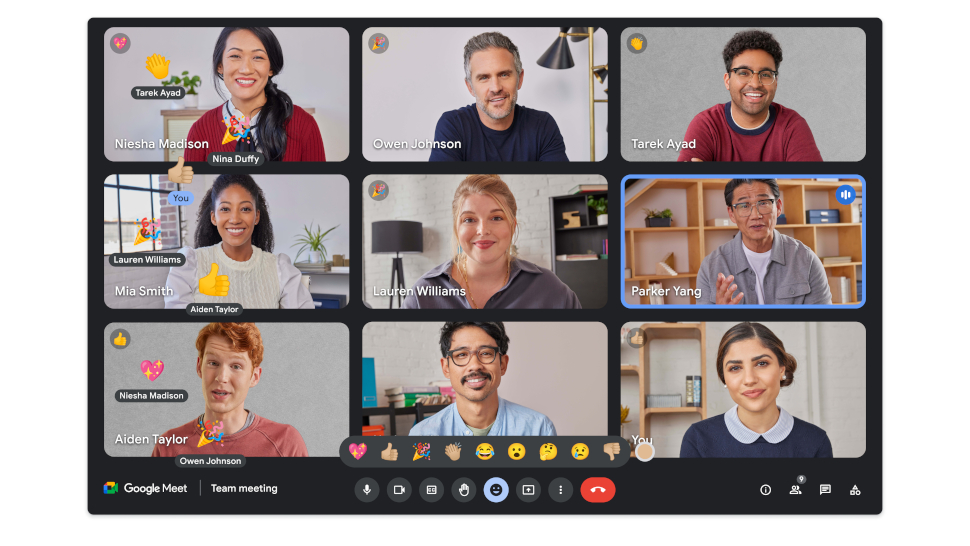 Missed a crucial Google Meet call? You can now catch up easily in Chat
Latest in Android
Missed a crucial Google Meet call? You can now catch up easily in Chat
Latest in Android
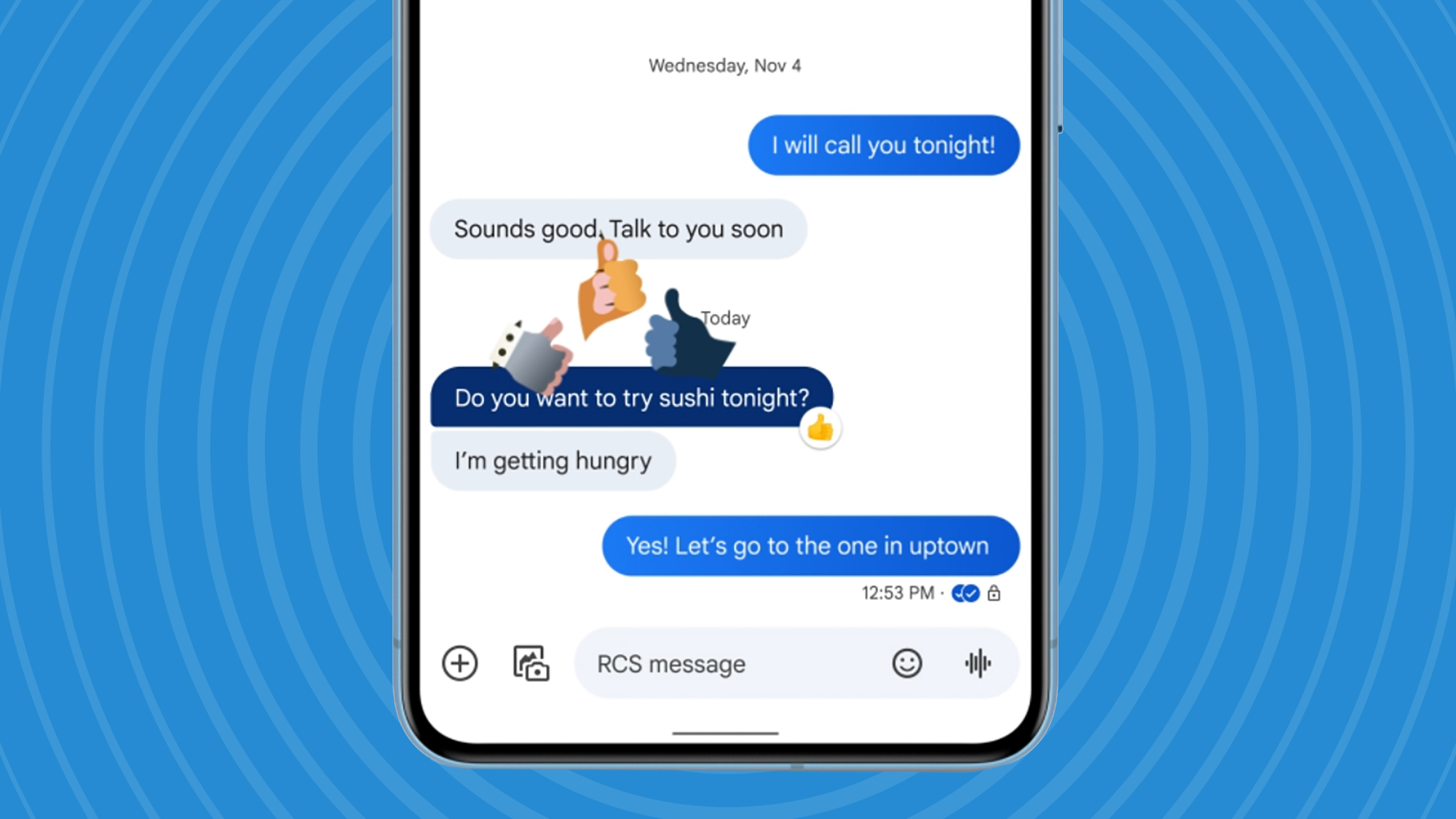 Google Messages could be getting 3 useful upgrades soon – including a Gemini change
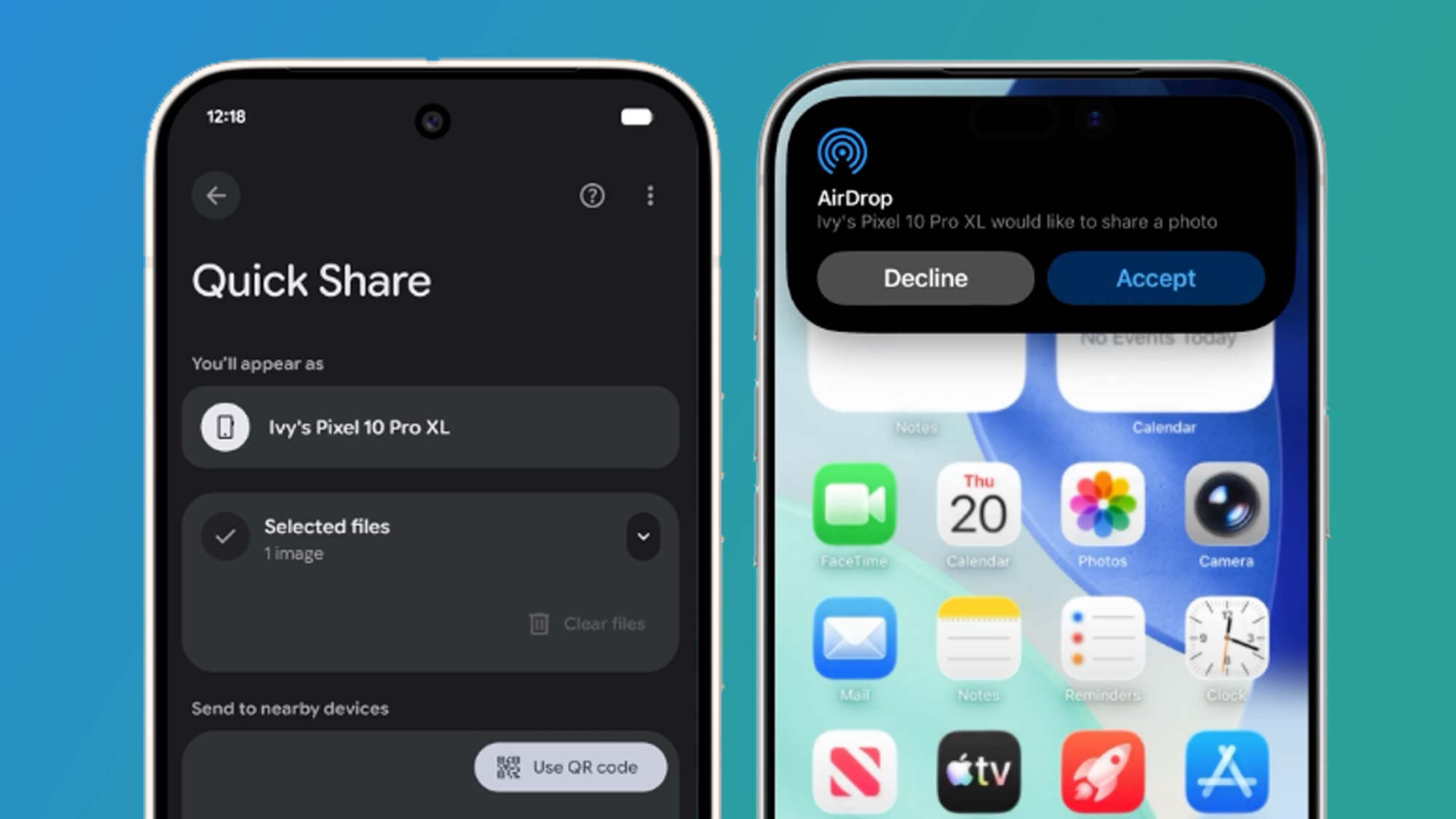 Loads more Android phones could soon work with AirDrop
 I'm a phones expert and these are my 5 must-have apps for iPhone and Android
 5 things that annoy me about Android
Google Messages is getting another essential chat feature it should have had a long time ago
5 things that annoy me about Android
Google Messages is getting another essential chat feature it should have had a long time ago
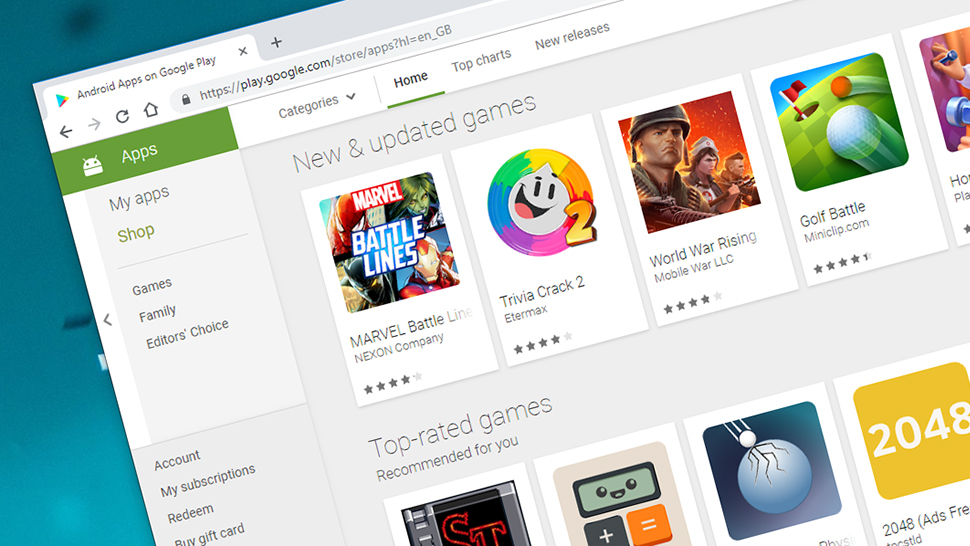 Android could soon change in a big way thanks to the Google and Epic settlement – here’s what it means for you
Latest in News
Android could soon change in a big way thanks to the Google and Epic settlement – here’s what it means for you
Latest in News
 How to watch What is the Monachy for? on BBC iplayer (it's *FREE*)
Google’s latest Android feature might let your boss read your RCS texts
How to watch What is the Monachy for? on BBC iplayer (it's *FREE*)
Google’s latest Android feature might let your boss read your RCS texts
 Glassworm returns once again with a third round of VS code attacks
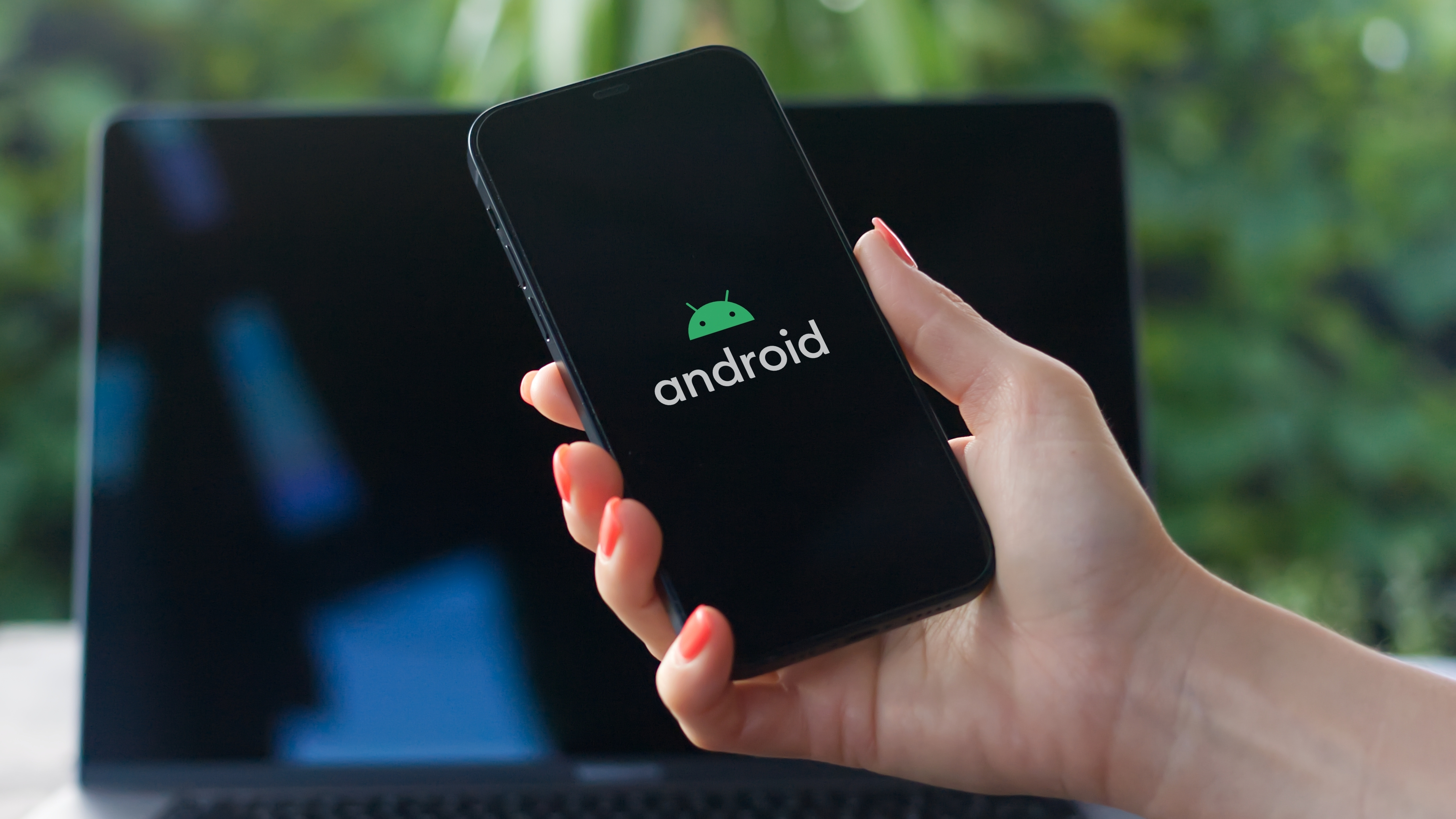 107 Android flaws just got patched by Google - here's how to make sure you're up to date
 A new Genshin Impact DualSense controller has been revealed and it's gorgeous – here's when you can preorder it
 Swiss government urges people to ditch Microsoft 365 and others due to lack of proper encryption
LATEST ARTICLES
Swiss government urges people to ditch Microsoft 365 and others due to lack of proper encryption
LATEST ARTICLES- 1107 Android flaws just got patched by Google - here's how to make sure you're up to date
- 2This pCloud bundle has everything you need to secure your storage for life - and it's only on sale for Cyber Monday
- 3Troll 2 and Guillermo Del Toro's Frankenstein are the 'perfect fit', says Monsterverse director
- 4Glassworm returns once again with a third round of VS code attacks
- 5Black Friday is over but you can still claim a massive discount on one of the best password managers out there