
 By
Ben Khalesi
Published 37 minutes ago
By
Ben Khalesi
Published 37 minutes ago
Ben Khalesi covers the intersection of artificial intelligence and everyday tech at Android Police. With a background in AI and data science, he enjoys making technical topics approachable for those who don’t live and breathe code. Ben is currently based in Sydney and has four years of professional writing experience across technology and digital industries. Outside work, he enjoys traveling, bouldering, and playing the latest AAA games.
Sign in to your Android Police account Summary Generate a summary of this story follow Follow followed Followed Like Like Thread Log in Here is a fact-based summary of the story contents: Try something different: Show me the facts Explain it like I’m 5 Give me a lighthearted recapFor the past month, I have tried to spend less time on my phone. But rather than half-measures, I went all in.
I deleted every major social app — Instagram, Facebook, X (you know, Twitter), Reddit, and TikTok — and replaced them with their Progressive Web App (PWA) alternatives.
The goal was to add some intentional friction. I aimed to make using my phone annoying again by adding micro-latency, login barriers, and difficult interfaces.
I wanted to break the doomscrolling trance and see if using worse software could improve my life.
The storage, tracking, and background activity problem no one talks about
 Credit: Hannah Stryker / Lucas Gouveia / Android Police
To see why I needed to delete these apps, we first have to understand how they work and the damage they cause.
Native apps are all about speed. Not the speed of getting stuff done, but the speed of giving you quick hits of dopamine.
When you open Twitter or TikTok, most of the content is already loaded in the background, ready for you. The animations run fluidly and feel smooth when you swipe. When you pull to refresh, you have no idea what's coming next.
It could be a boring ad, a viral tweet that gets you fired up, or even a DM from someone you like. That unpredictability sends a rush of dopamine, the brain's reward chemical.
Native apps are built to keep this loop going nonstop, cutting out anything that might slow down your seeking mode.
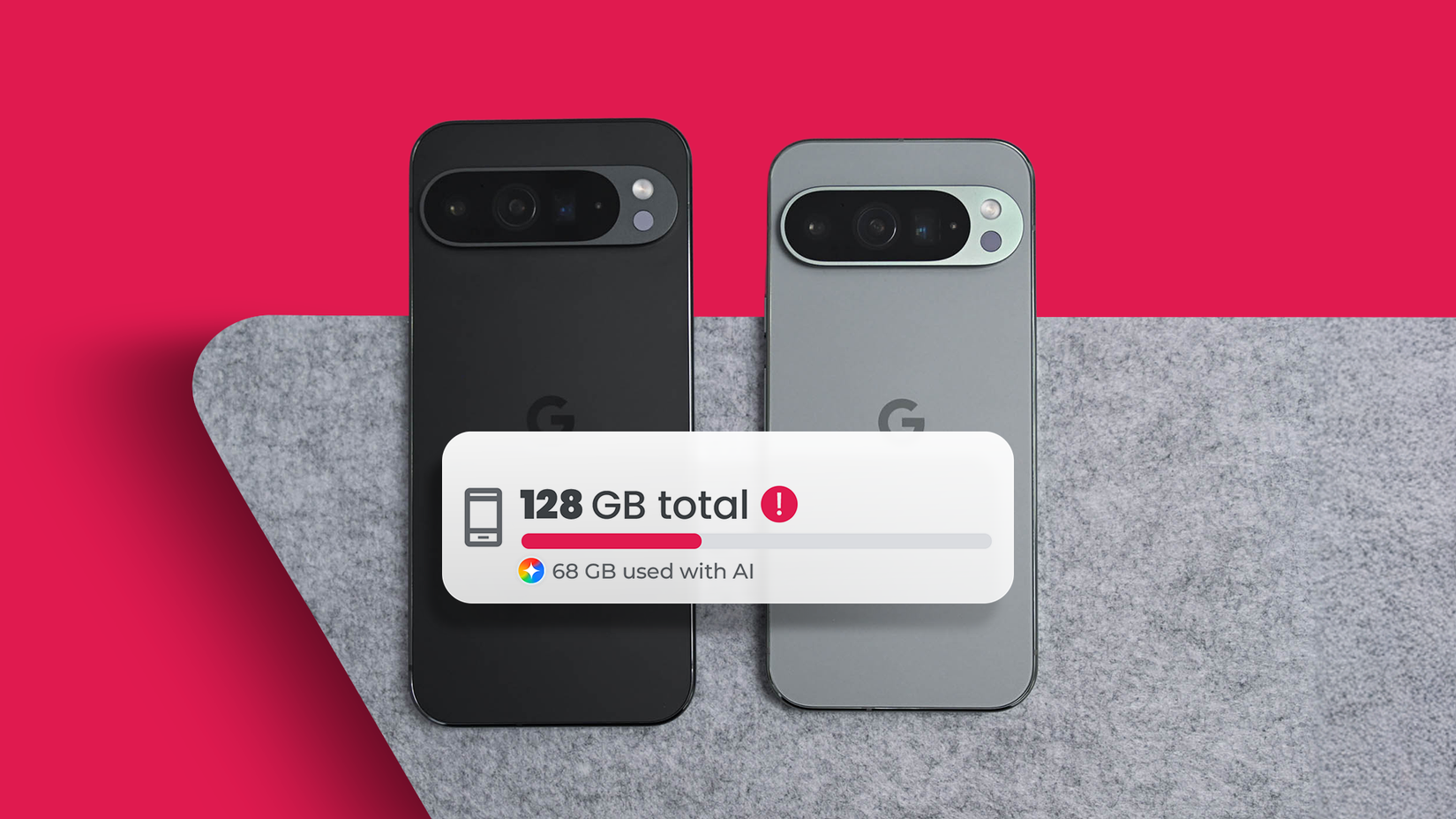
Besides messing with your mind, social media apps are huge data hogs. Before you delete them, check how much storage they're using. You'll be surprised. For me, Facebook was nearly 14GB, and Instagram wasn't far behind at 10GB.
That's your giant pile of cached images, videos, and tracking data they store, so content loads instantly. These apps want control over your device's resources.
They run in the background, tracking your location, preloading videos, and listening for signals, even when your phone's just sitting in your pocket.
PWAs are safer, simpler, and less invasive than native apps
 Credit: Lucas Gouveia / Android Police | StockLeb / Shutterstock
A PWA is basically a website dressed up like an app. It uses modern web tech — HTML5, CSS, JavaScript — to give you an app-like experience.
The major benefit is sandboxing. Installing the native Instagram app is like inviting Mark Zuckerberg right into your living room.
When you install a native app, you permit it to access things like your files, Bluetooth, local network, and clipboard.
A Progressive Web App is different. It lives inside the browser's sandbox, which is like a playground with a tall fence. The PWA can only play with what's inside the browser.
It can't peek at your contacts, read your texts, or check out your other apps unless you give it explicit permission.
Being forced to slow down changes how you use social media
Using Instagram as a PWA is not buttery smooth. The scroll has a tiny bit of stutter. Swiping between photos isn't quite as responsive. The story's interface feels a bit clunky.
That's the intentional friction kicking in. The tiny lag in the web version breaks your flow. With the native app, the interface disappears, and you just consume content.
But with the PWA, you're constantly reminded that you're in a browser. The URL bar might pop up, or the Back gesture might not work right, making you tap a button instead.
These little glitches make your brain switch from automatic mode to thinking mode. The trance breaks. Moreover, native apps keep you logged in for eternity.
The session token never expires. The PWA, depending on your cookie settings, might ask you to log in every week or every few days.
There were moments during this experiment where I would tap the Instagram PWA icon, see the login screen, and think, "Ugh, I don't care enough to type my password." And I would close the phone.
That is a victory. That is the login barrier. If I'm not willing to type a password, I certainly shouldn't be spending 30 minutes scrolling.
What healthier digital habits look like after deleting social media
If you leave a gap, something will fill it, and if you don't make that choice yourself, the junk finds its way back.
So I swapped out the algorithmic feeds for options that are chronological, finite, and actually useful.
I realized I mainly used Twitter for news, but the algorithm mixes headlines with ragebait and random memes.
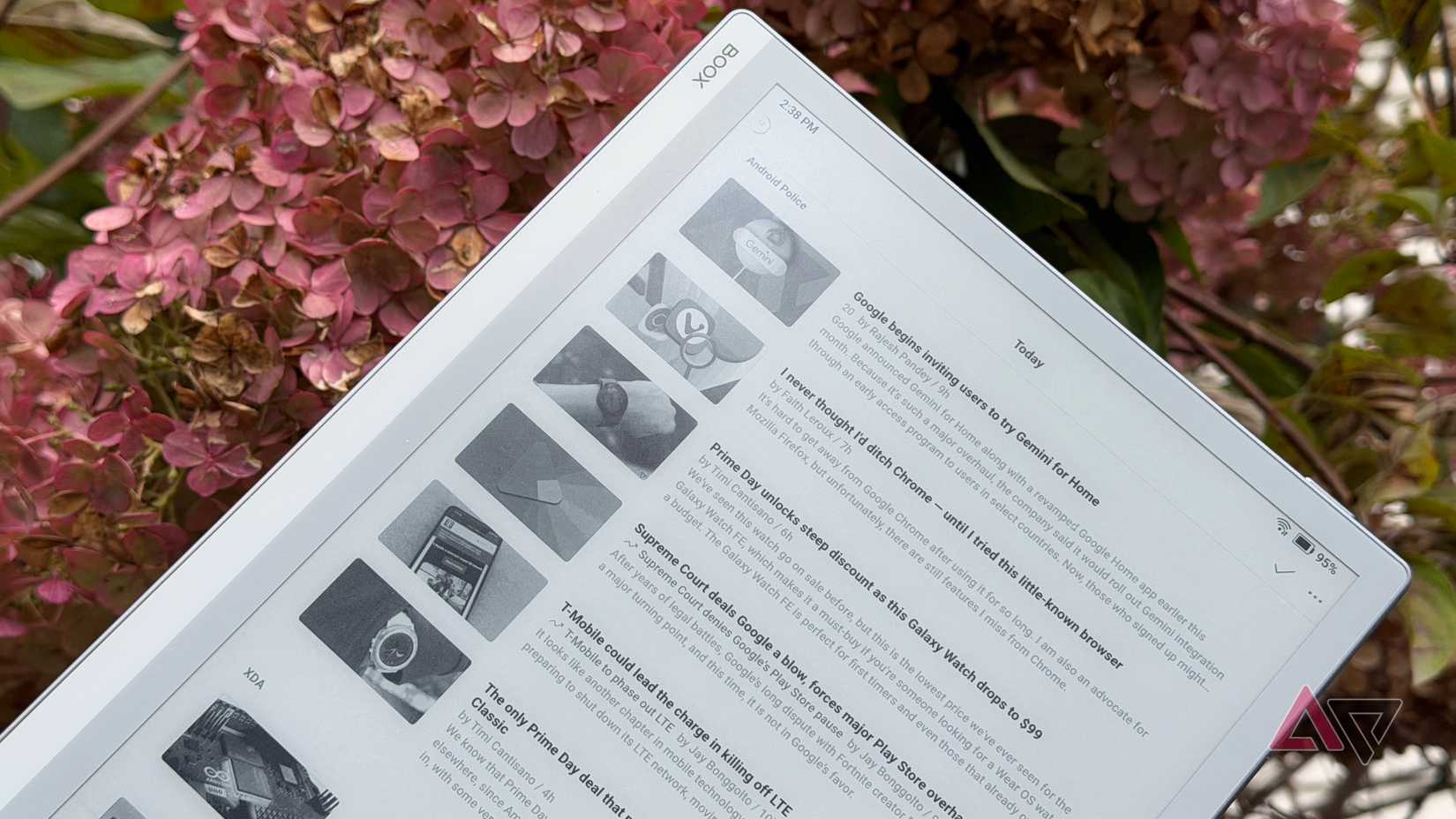
Feedly became my replacement. It's an RSS reader, and it gives me news without all the noise. RSS is chronological. It doesn't care about what's trending. It simply shows what was published, in order.
The best thing about Feedly is that it eventually runs out. You read the new posts, and then the list goes empty.
Using worse software ended up improving my life
My battery life improved because the background activity vanished.
Native apps are resource vampires. They constantly wake the radio, preload videos, and ping your location.
Removing them stopped the drain. My screen time stats also improved. I cut my daily average from four hours to two.
I stopped chasing dopamine hits and began using it as a tool to look up things or message friends.
If your phone seems to be using you, not the other way around, I suggest deleting those apps. Embrace the rough edges, accept the friction, and enjoy the extra battery.
-
 Applications
We want to hear from you! Share your opinions in the thread below and remember to keep it respectful.
Be the first to post Images Attachment(s) Please respect our community guidelines. No links, inappropriate language, or spam.Your comment has not been saved
Send confirmation emailThis thread is open for discussion.
Be the first to post your thoughts.
- Terms
- Privacy
- Feedback
 2 days ago
Spotify reportedly on track to hike US pricing soon
 2 days ago
Waze just fixed one of its biggest Android Auto annoyances
 3 days ago
Weather app problems on your OnePlus device? You're not alone
 3 days ago
Google quietly confirms when it's pulling the plug on Assistant
More from our brands

I made my phone dumb and finally broke my screen-time habit
I debloated my Android phone without root and it finally feels clean again

Here's how I created my own ecosystem with an Android and a Mac
I self-hosted my own RSS reader to keep up with the news

I finally replaced Synology Photos with PhotoPrism for these 4 major frustrations


4 apps that are quietly destroying your smartphone

Pinterest: the one social media app I can relax on
Trending Now Google Maps gets a smarter way to save battery on Pixel 10
 This Android browser is Google Chrome on steroids and I can't recommend it enough
 Google is working on a new Gemini feature to save you time


