Credit: Lucas Gouveia / Android Police | guteksk7 / Shutterstock
 By
Ben Khalesi
Published 16 minutes ago
By
Ben Khalesi
Published 16 minutes ago
Ben Khalesi covers the intersection of artificial intelligence and everyday tech at Android Police. With a background in AI and data science, he enjoys making technical topics approachable for those who don’t live and breathe code. Ben is currently based in Sydney and has four years of professional writing experience across technology and digital industries. Outside work, he enjoys traveling, bouldering, and playing the latest AAA games.
Sign in to your Android Police account Summary Generate a summary of this story follow Follow followed Followed Like Like Thread Log in Here is a fact-based summary of the story contents: Try something different: Show me the facts Explain it like I’m 5 Give me a lighthearted recapSamsung made a bit of noise with the launch of its Internet browser for Windows, pitching it as this big step toward a seamless cross-device experience.
But here’s the truth in plain terms. If we’re being honest, the opportunity for another browser to arise on desktops disappeared long ago.
Chrome and Edge control the market, and it takes something completely new to convince anyone to leave what they already use.
 Related
I tried Chrome, Opera, Firefox, and Samsung Internet for a month and here's my verdict
Related
I tried Chrome, Opera, Firefox, and Samsung Internet for a month and here's my verdict
The ultimate browser showdown is finally here
Posts 23 By Parth Shah Oct 13, 2025Why the desktop browser market is nearly impossible to break
Desktop browsers have been cemented in place for years, and any newcomer is facing a wall that’s almost impossible to climb, no matter how good the technology is.
Look at the numbers from October 2025. Chrome sits at a massive 78.23% of global desktop share. That means nearly eight out of ten people are already inside Google’s world.
That dominance becomes even clearer when you look at everyone else. Microsoft Edge comes preloaded on Windows and still only hits 8.65%.
Safari, which rides the entire Apple ecosystem, sits at 4.61%. That setup leaves Samsung fighting for tiny percentages, trying to claim whatever scraps are left behind by the giant.
What gives Chrome its long-term staying power
 Credit: Lucas Gouveia/Android Police
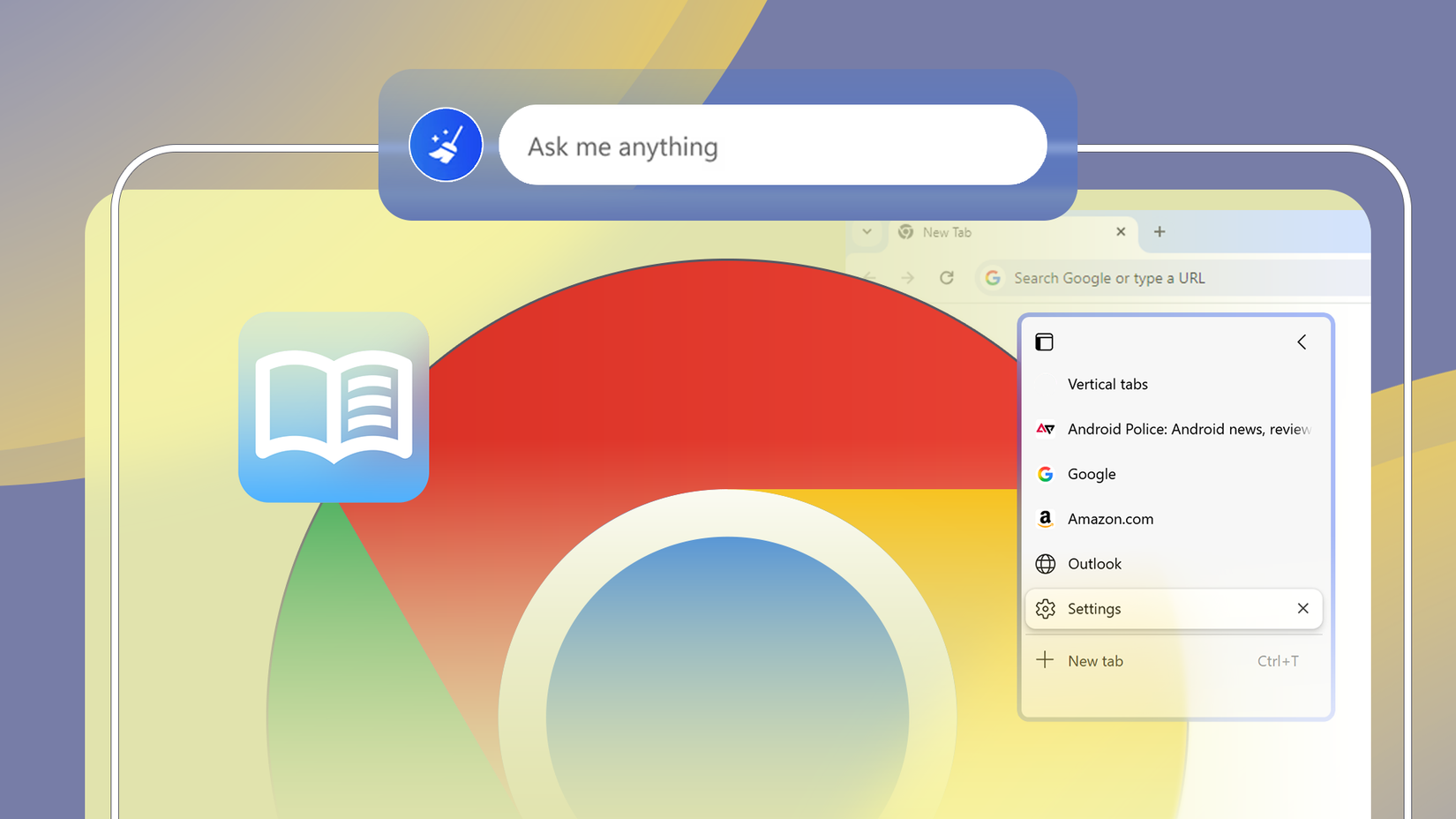
Chrome didn’t stay on top only because it’s technically strong. It holds its spot because everything around it works together in a way that makes switching feel painful for most people.
Google’s ecosystem keeps people tied to Chrome
Chrome is basically the front door to everything Google offers. Syncing is effortless because all you need is a Google account, and it works the same on Windows, macOS, Android, and iOS.
When you’re dealing with essential tools like Gmail, Docs, and Drive, that consistency matters.
Anyone who relies on Google Workspace ends up tied to Chrome because switching breaks the smooth rhythm of their daily workflow.
Google keeps its advantage by being universal. Samsung, meanwhile, leans on a model that only works well inside its own ecosystem.
Chrome’s add-on advantage and why it matters
Extensions are a major reason Chrome keeps such a strong grip on users. Its library is enormous and has been growing for years.
People rely on these tools for everything from development work to productivity, and many are essential.
Developers know this and release their tools to the Chrome Web Store before anything else. That pulls more users into Chrome, which encourages more developers to follow.
A new browser can show up with modern tech and the same rendering engine, but it still has no way to build this kind of ecosystem overnight.
What Samsung Internet brings to PCs and where it falls short
 Credit: Lucas Gouveia / Android Police
Samsung Internet arrives on desktop with features that lean into what Samsung already does well, mainly its hardware ecosystem and its growing AI tools.
These are genuine advantages, though they also create limits that are hard to work around.
Samsung Internet works best only for Samsung Galaxy users
The main selling point of Samsung Internet on PC is how smoothly it syncs your browsing info.
Samsung Cloud and Samsung Pass keep your bookmarks, history, and passwords aligned across devices, and the “Continue on other device” feature lets you pick up the same web page when you move from your Galaxy phone to your computer.
The catch is that all of this only works at full strength if you sign in with the same Samsung account and own a compatible Galaxy phone or tablet.
Samsung’s AI integration helps, but only to a point
Samsung’s biggest standout feature is the addition of Galaxy AI, especially the Browsing Assist tool. It can instantly summarize or translate a web page, which makes digging through information a lot quicker.
One of the major selling points is Samsung’s focus on privacy. You can turn on the local data processing for features like Browsing Assist, which lets you use the AI tools without sending your browsing data to Samsung’s servers.
Samsung’s privacy focus comes with a real trade-off. When AI tools run offline, the processing usually feels slower or less polished. Gemini holds up well in both offline and cloud modes, so it stays fast either way.
 Related
Gemini 2.0: Five major changes you need to know
Related
Gemini 2.0: Five major changes you need to know
Gemini 2.0 brings new AI capabilities to Google's ecosystem
Posts 3 By Nathaniel Wilkins Dec 17, 2024The features that make Samsung Internet worth trying
The one place where Samsung Internet stands out is privacy. It comes with Smart Anti-Tracking, a built-in ad blocker, and a Privacy Dashboard that shows you exactly what the browser stopped each day.
For people who are tired of constant tracking across the web, that level of protection is a strong reason to switch.
But only a small group of desktop users are willing to deal with the hassle of swapping browsers and stepping away from the Google ecosystem solely for stronger default privacy.
And if they do make the jump, there are better privacy-focused options.
Samsung Internet earns credit for putting data control first, but that alone won’t create a major shift or threaten Chrome’s massive lead.
Most people stick with what is easy and familiar rather than tightening their privacy settings.
A strong secondary browser, not a new default
Samsung Internet for PC is a solid addition for anyone already using a Galaxy device. Its privacy tools and Galaxy AI features are genuinely impressive.
The challenge is that the browser leans too heavily on Samsung hardware, has limited extension support, and is stepping into a desktop space that Chrome secured years ago.
Even as a Galaxy user, if your work depends on Google Workspace, Chrome still makes more sense for daily use. Samsung Internet stays in the role of a convenient extra instead of a main browser.
-
 Applications
We want to hear from you! Share your opinions in the thread below and remember to keep it respectful.
Be the first to post Images Attachment(s) Please respect our community guidelines. No links, inappropriate language, or spam.Your comment has not been saved
Send confirmation emailThis thread is open for discussion.
Be the first to post your thoughts.
- Terms
- Privacy
- Feedback
 3 days ago
Best Android VPN in 2025
 2 days ago
Our favorite Android controller just hit a price that's hard to believe
 1 day ago
I finally found the best expense tracker app on Android after years of switching back and forth
 4 days ago
How to create custom calling cards on the Google Pixel 10
Trending Now The 2025 YouTube Music Recap could be here any day now
 Quick Share is now compatible with Apple's AirDrop
 I dropped these 5 habits — and Google Maps navigation instantly got faster